
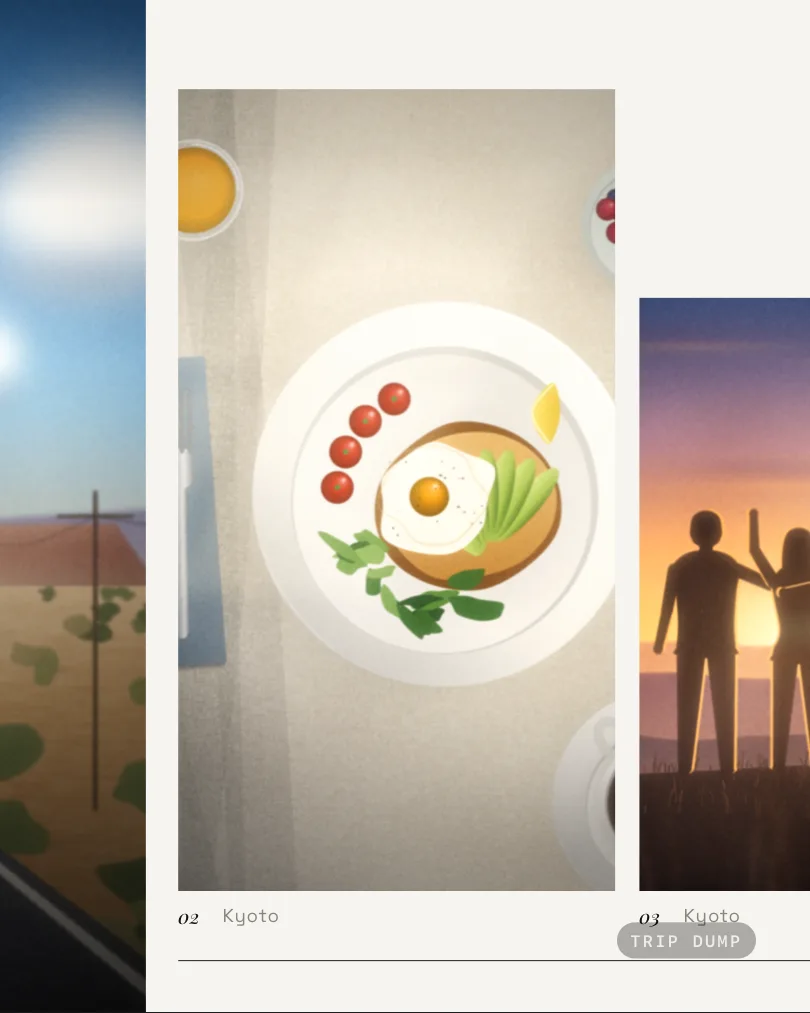
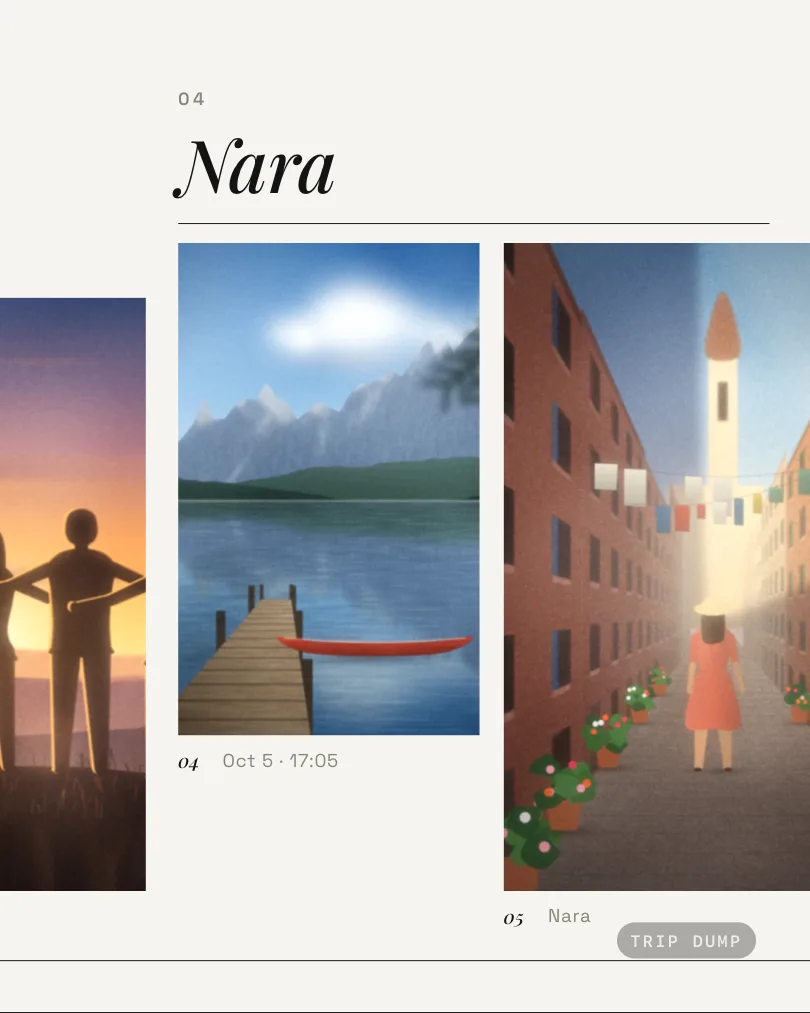
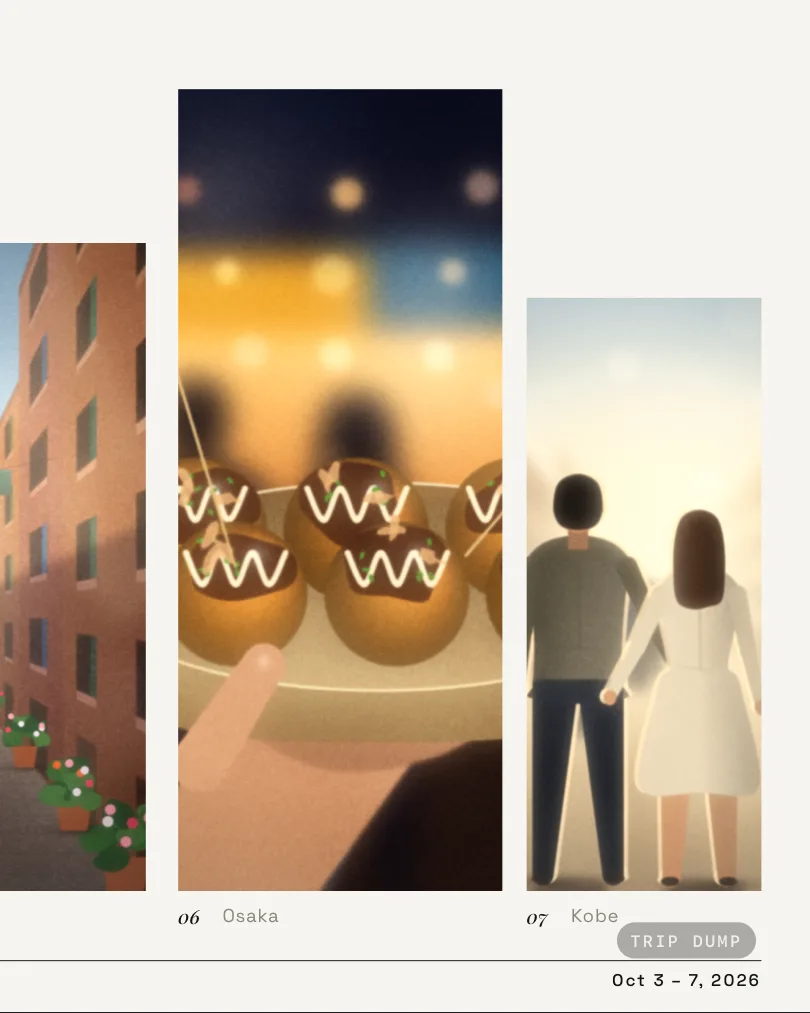
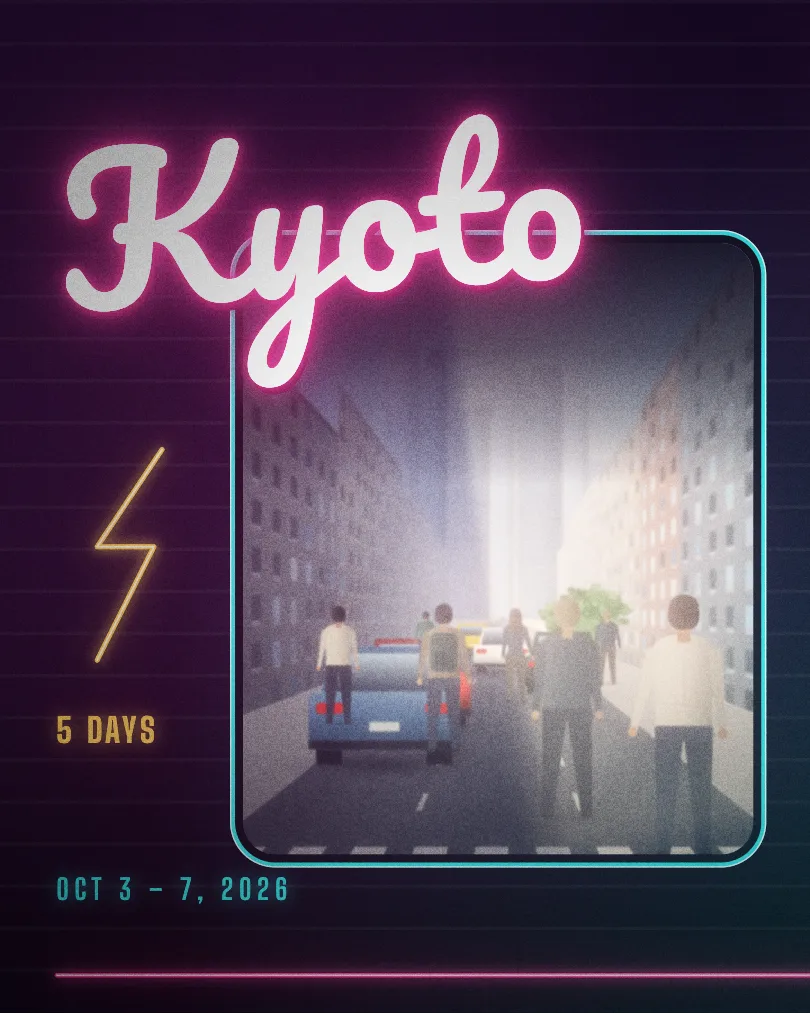


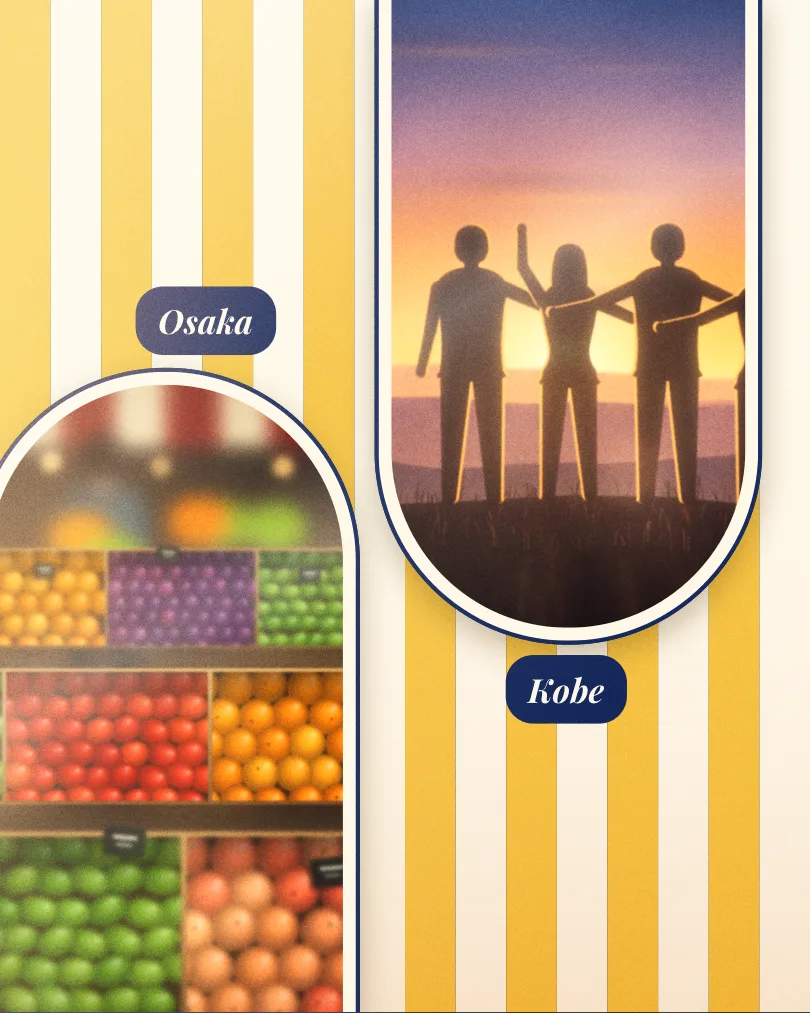
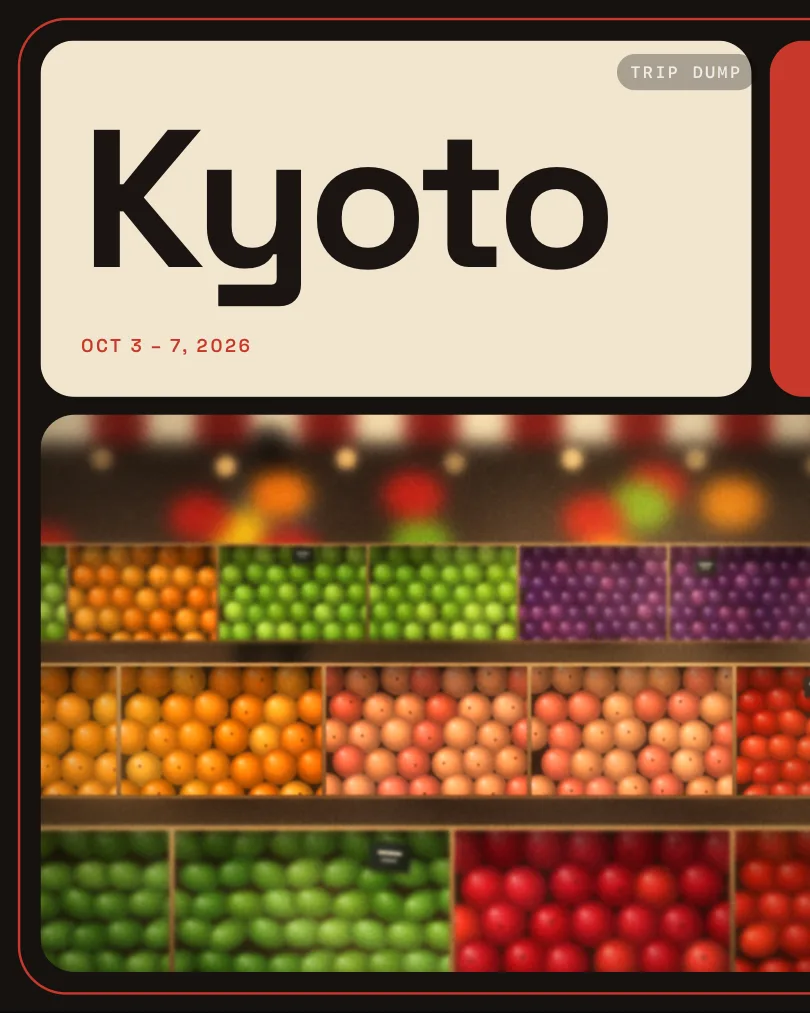
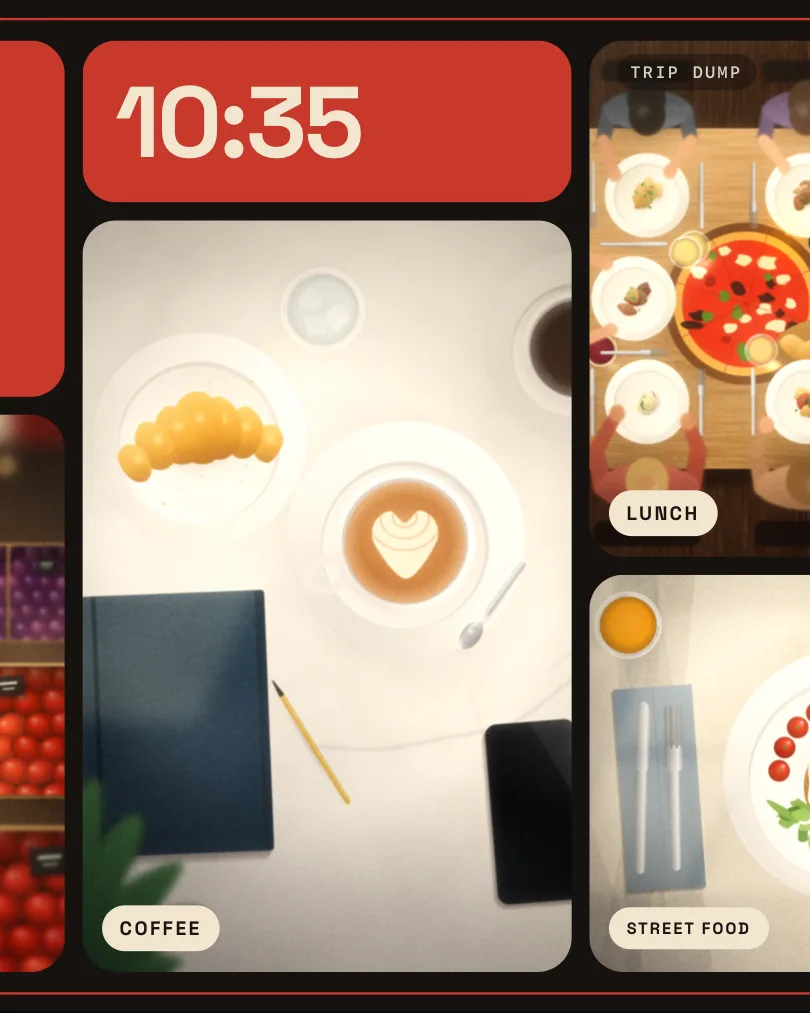
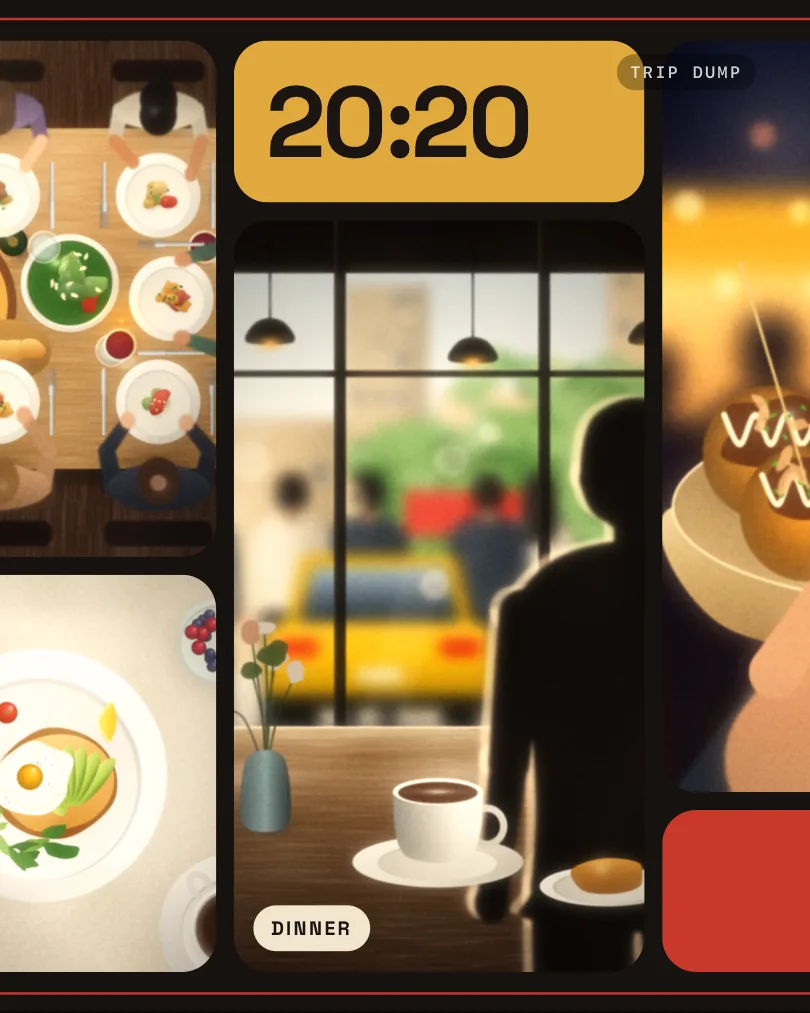






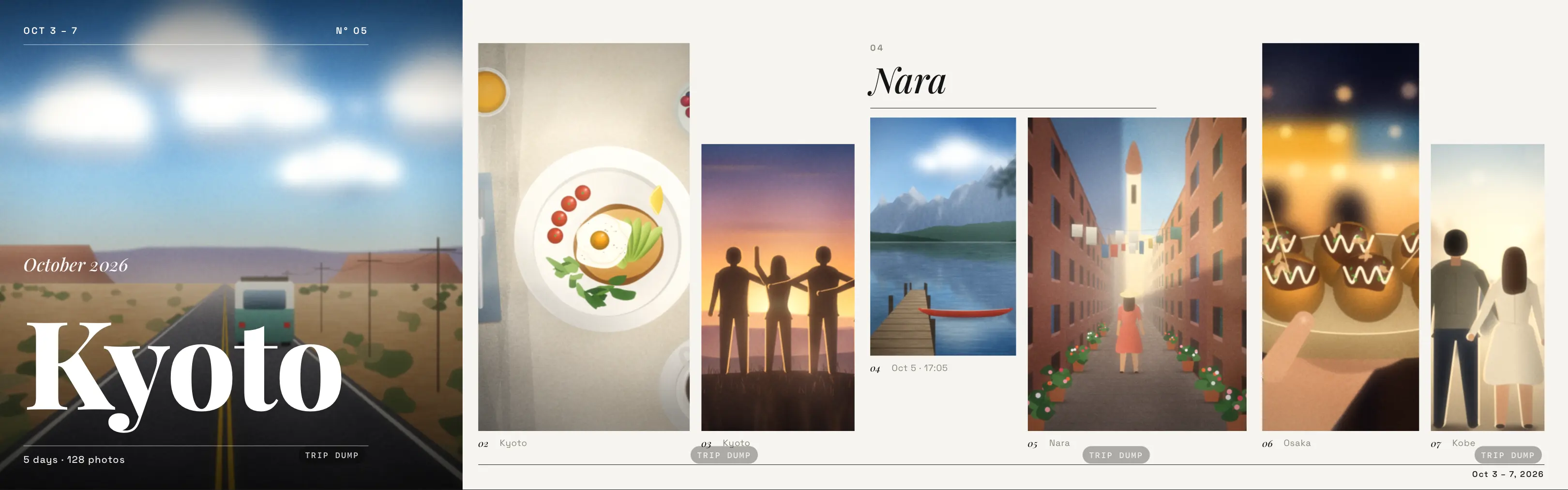
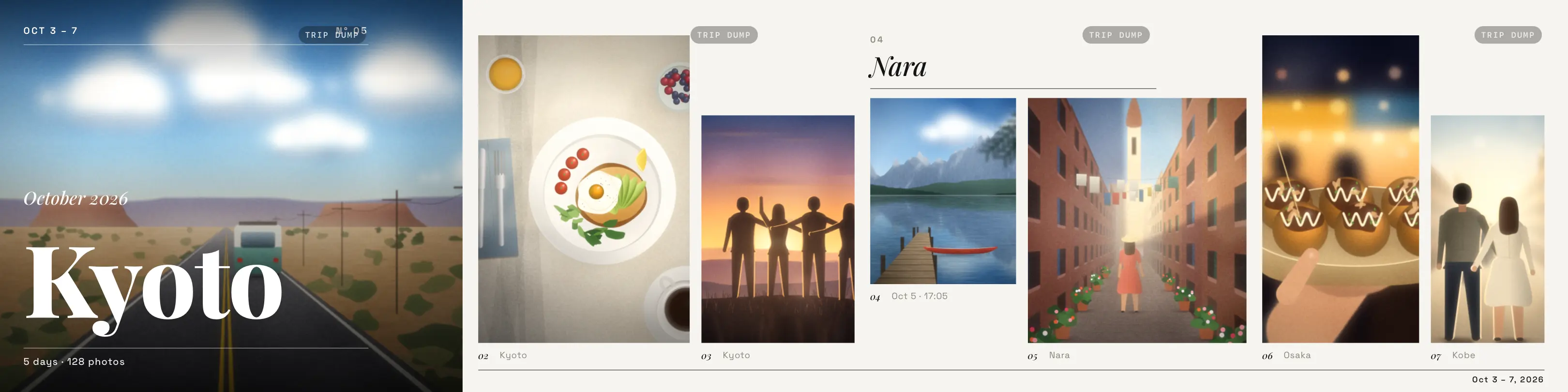
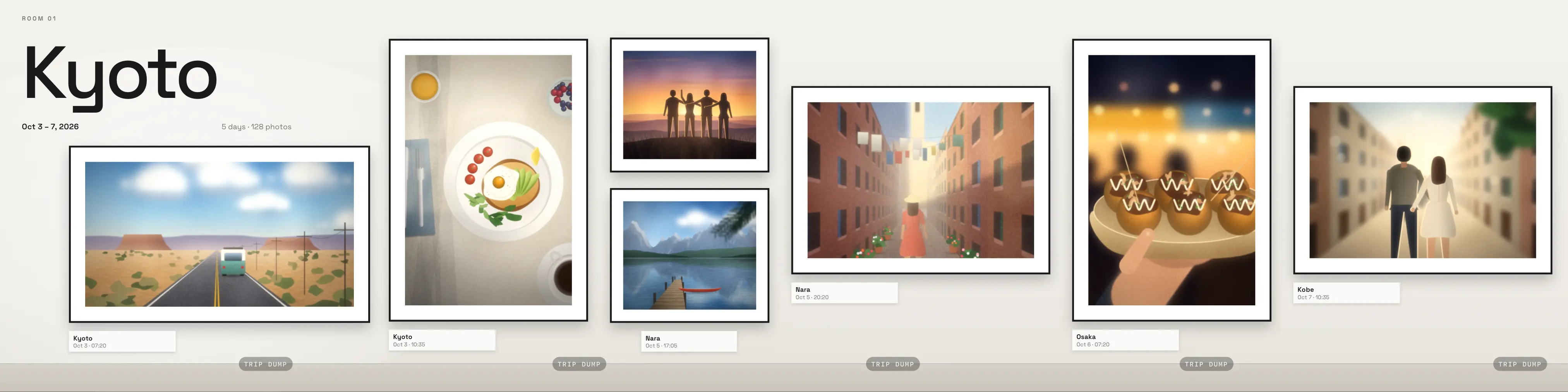
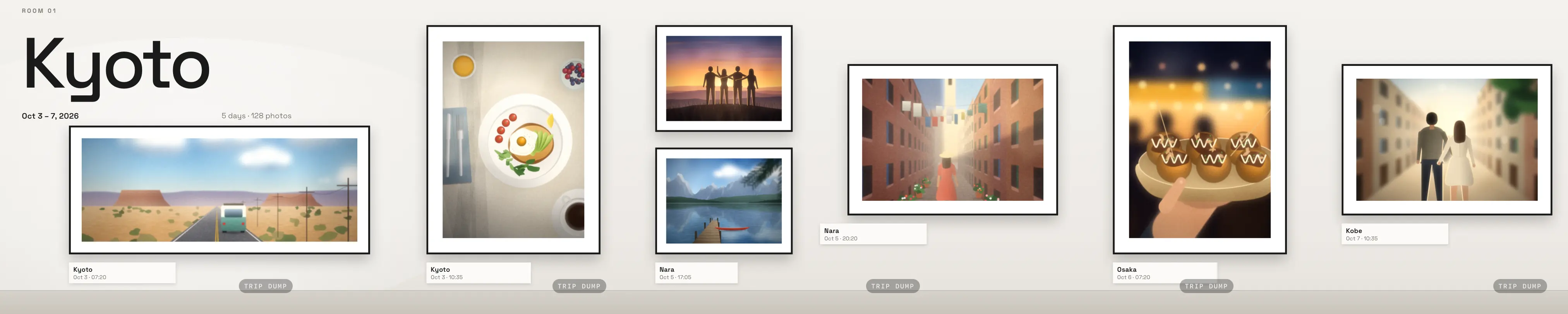
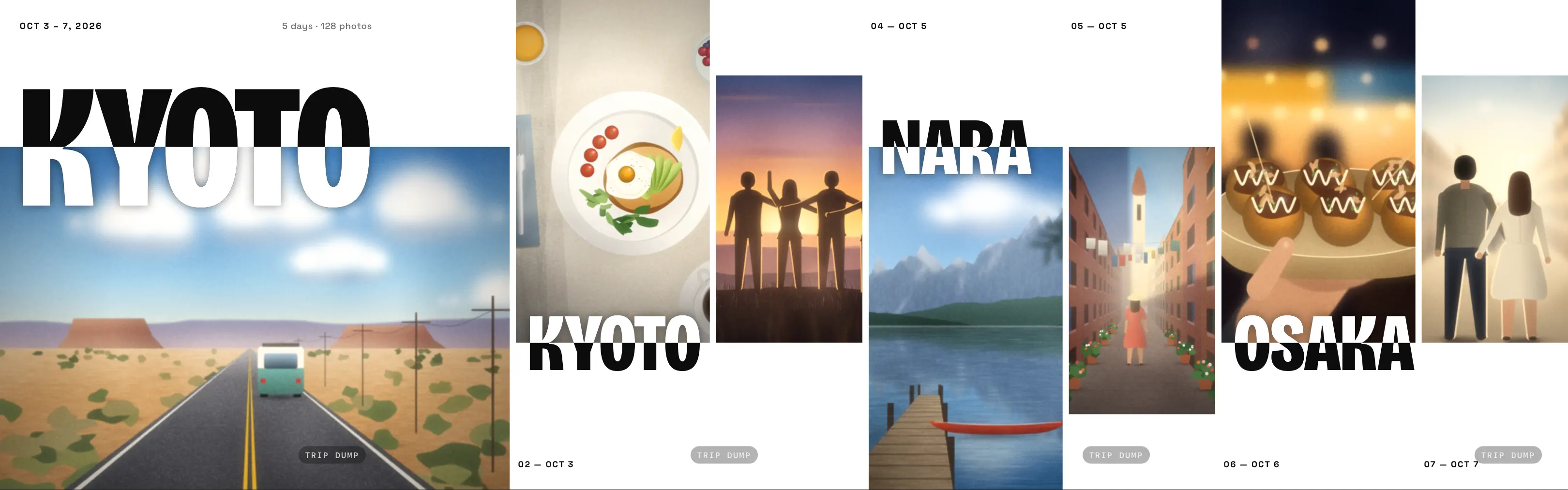
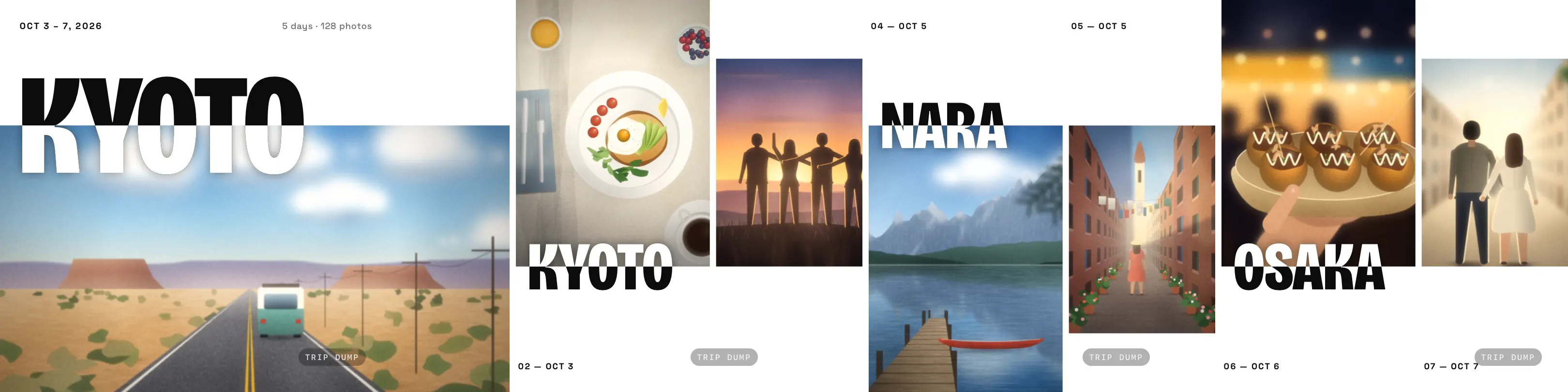
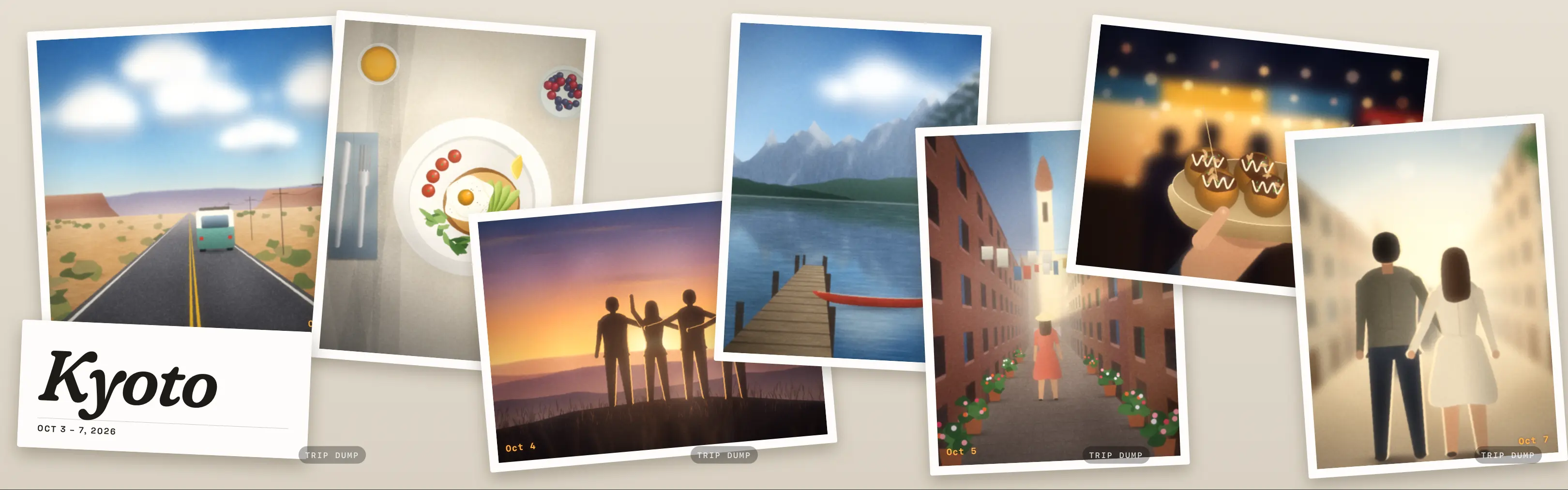
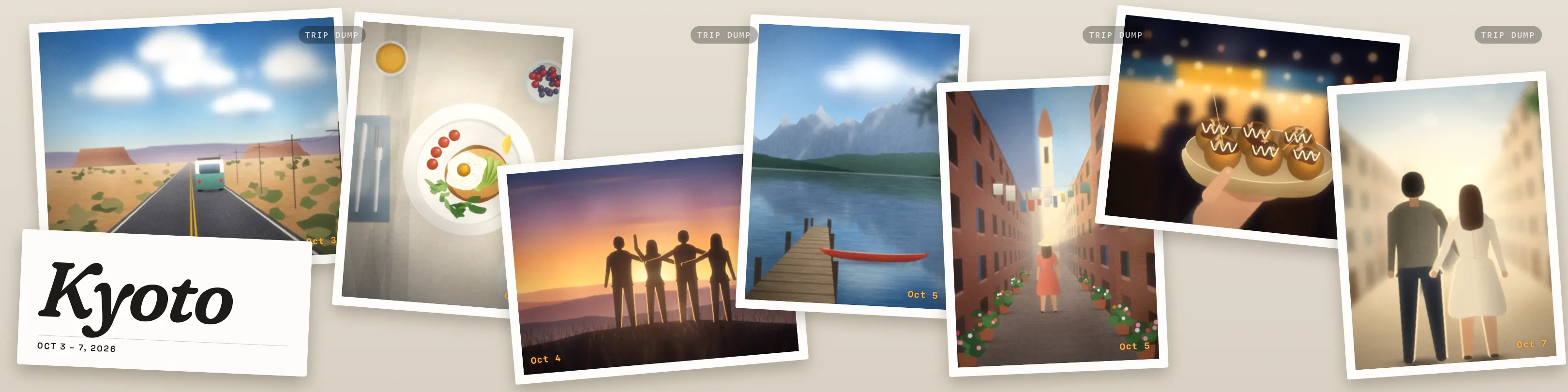
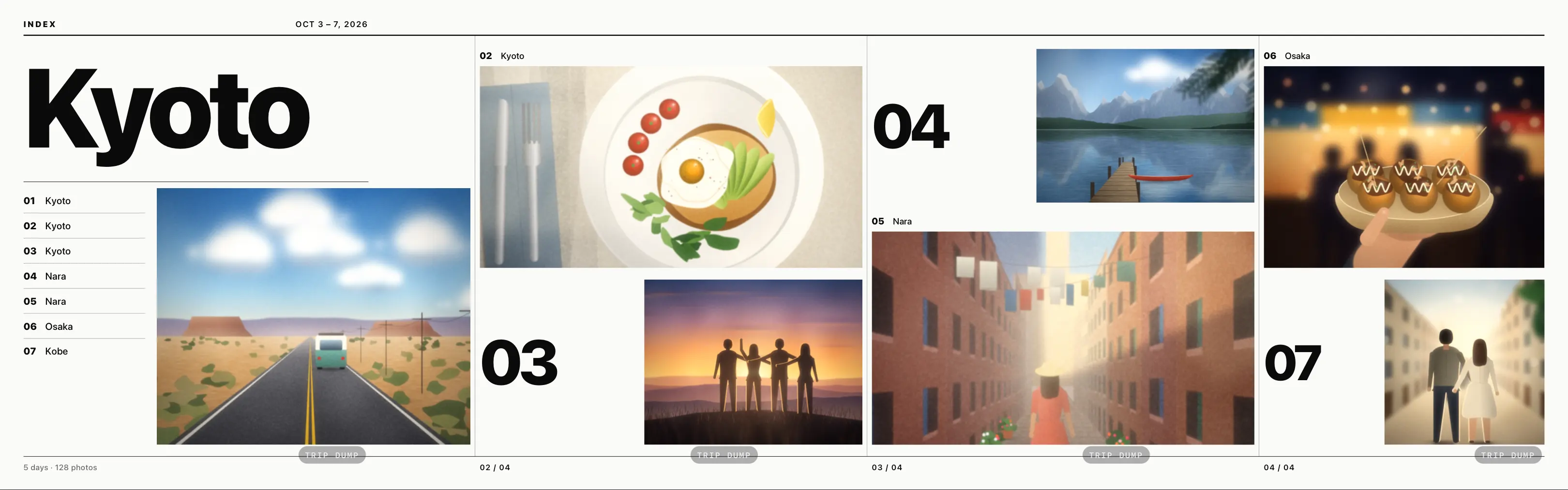
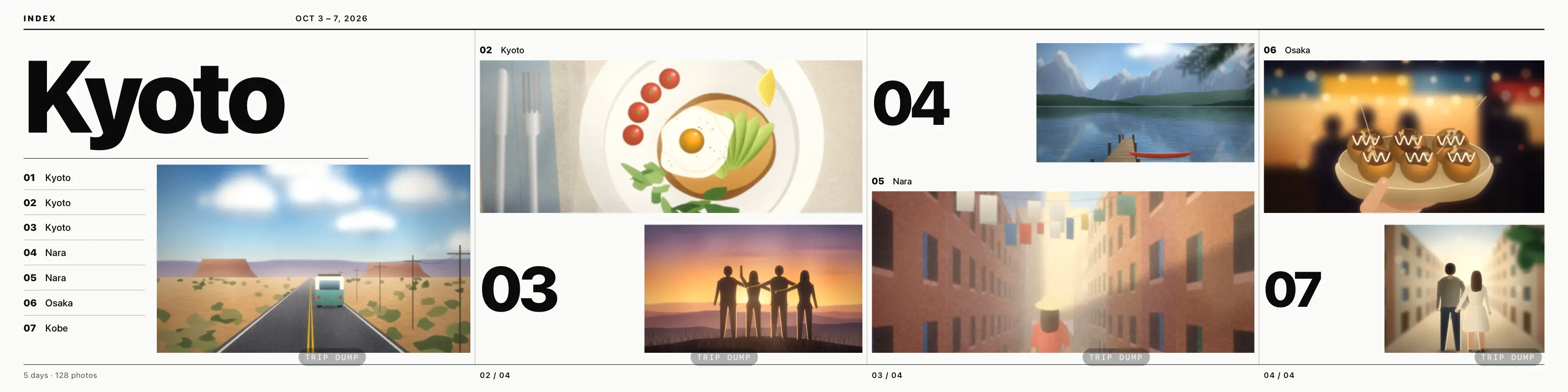
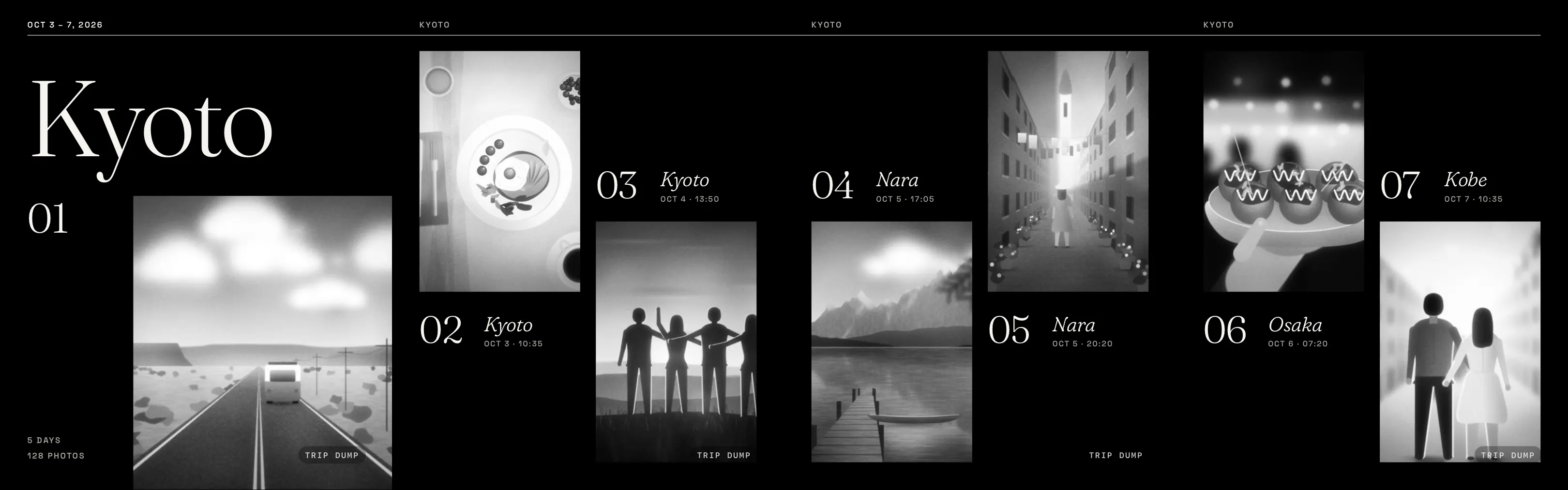
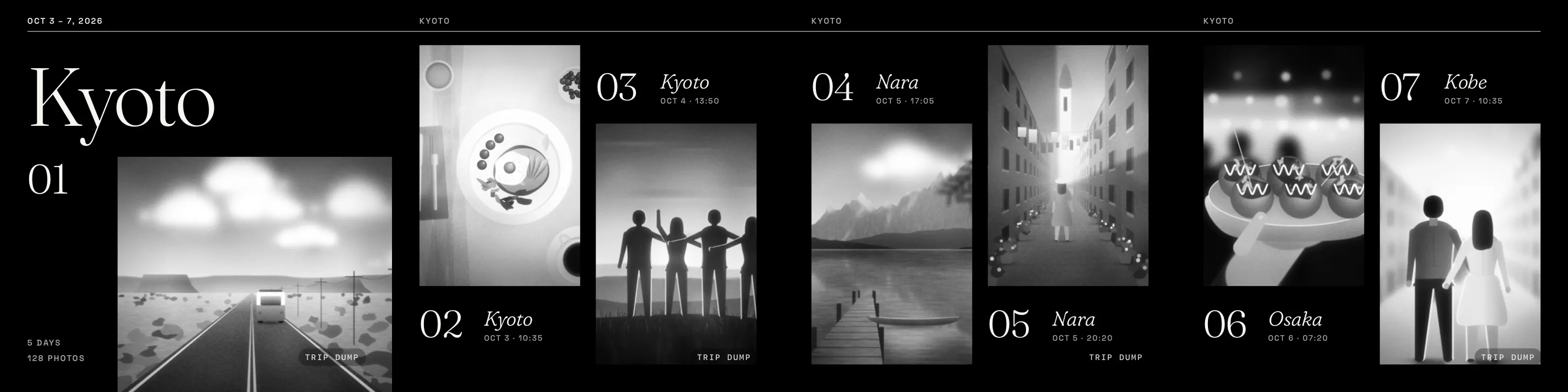
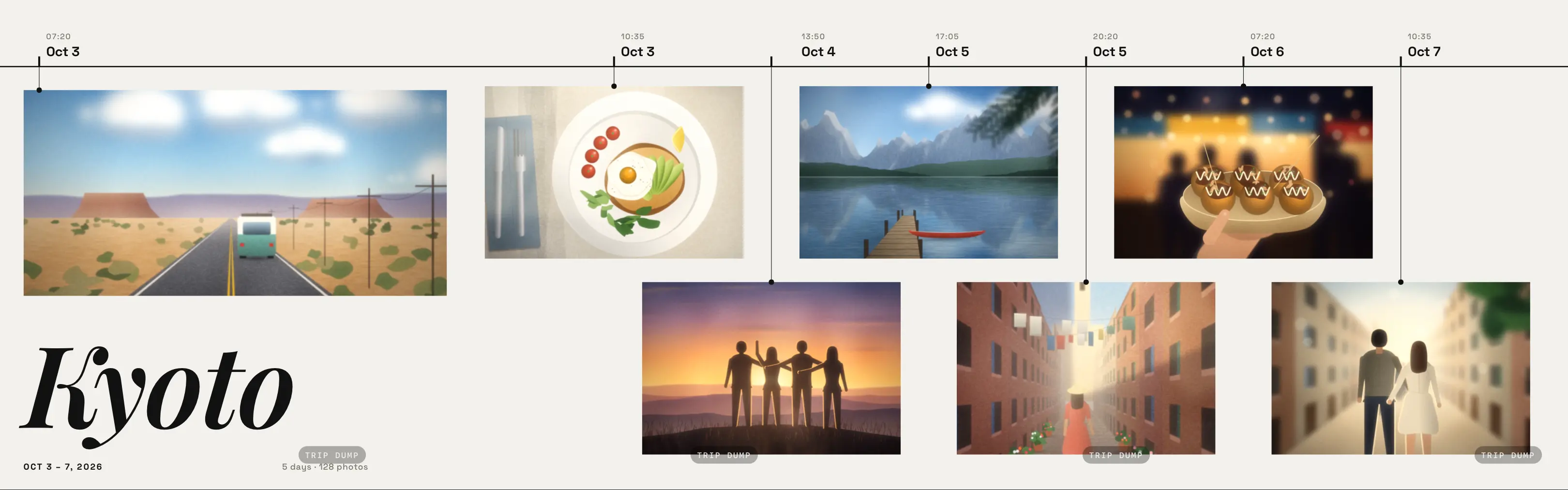
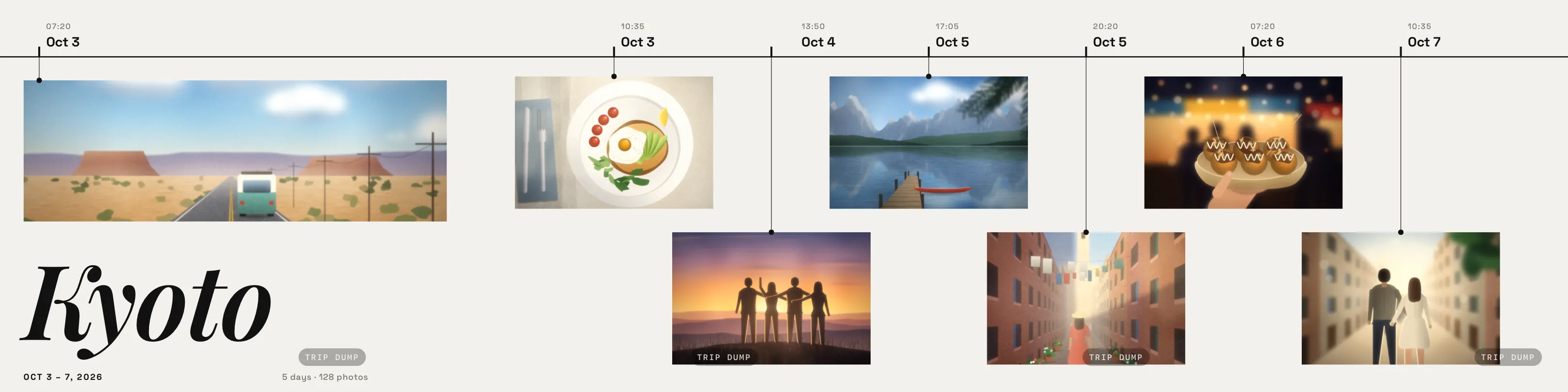
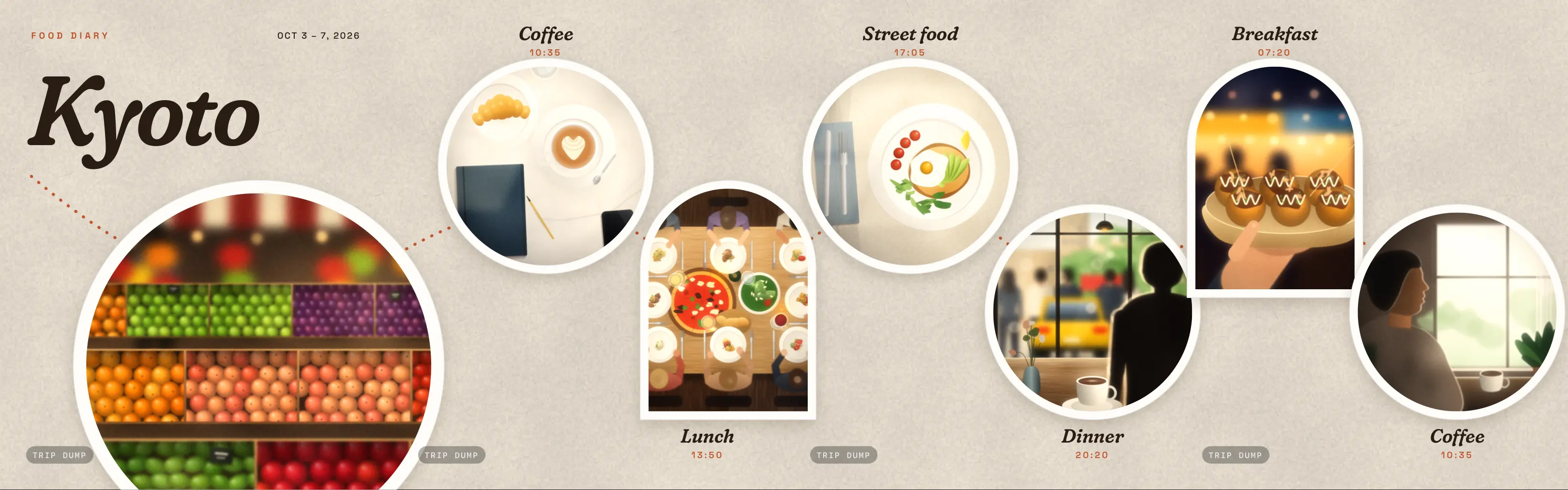
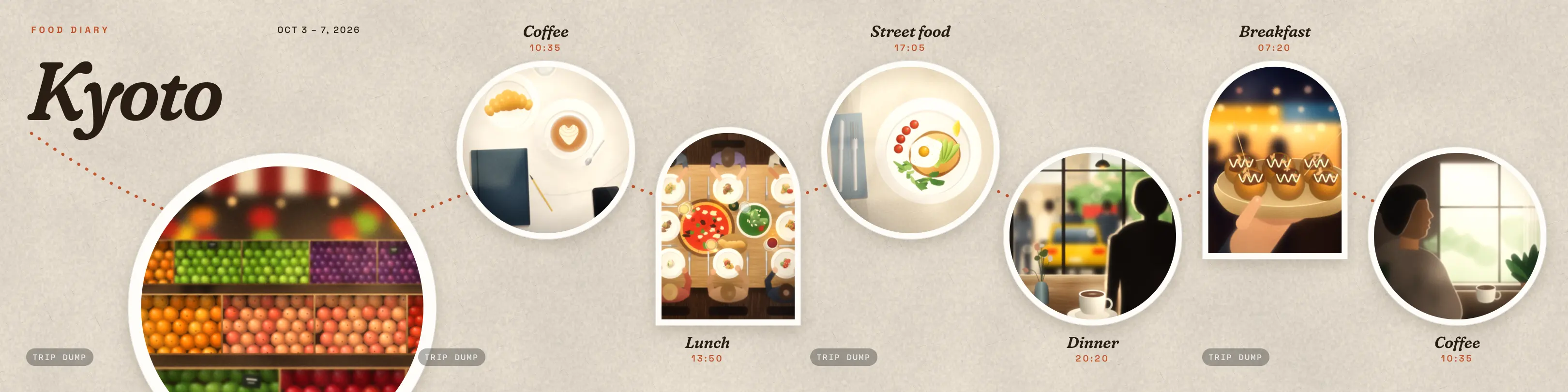
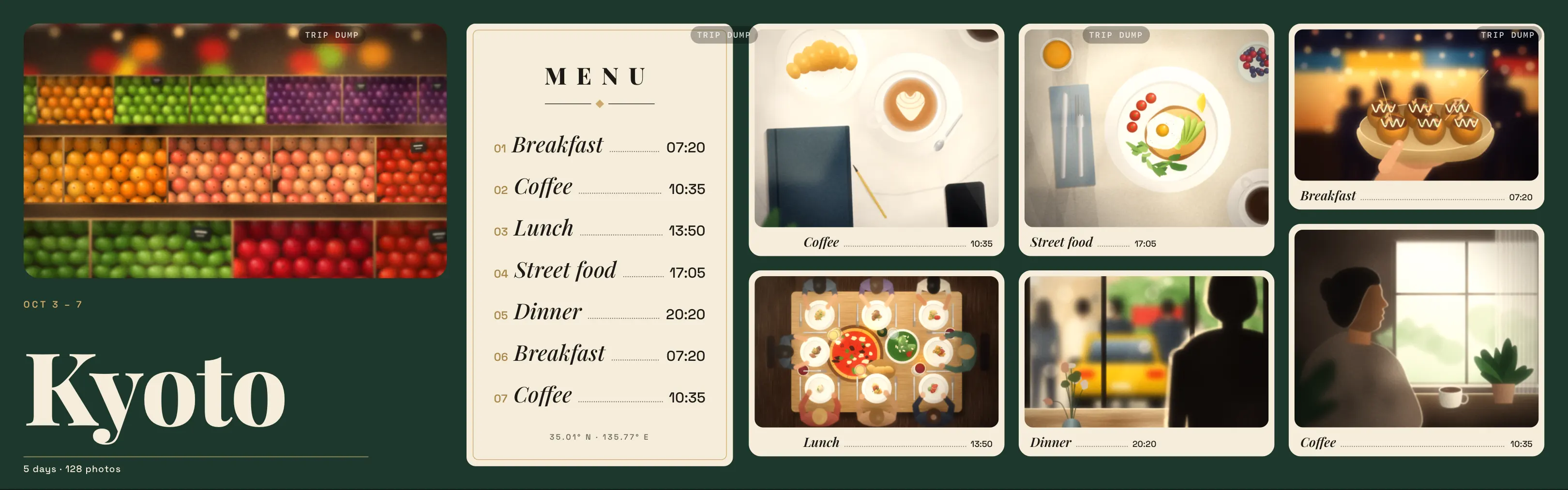
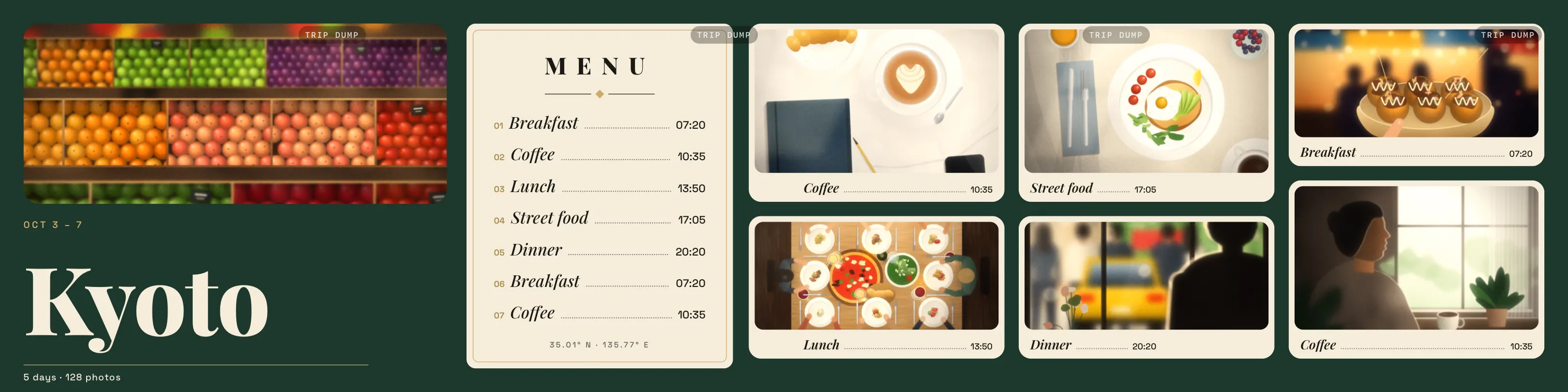
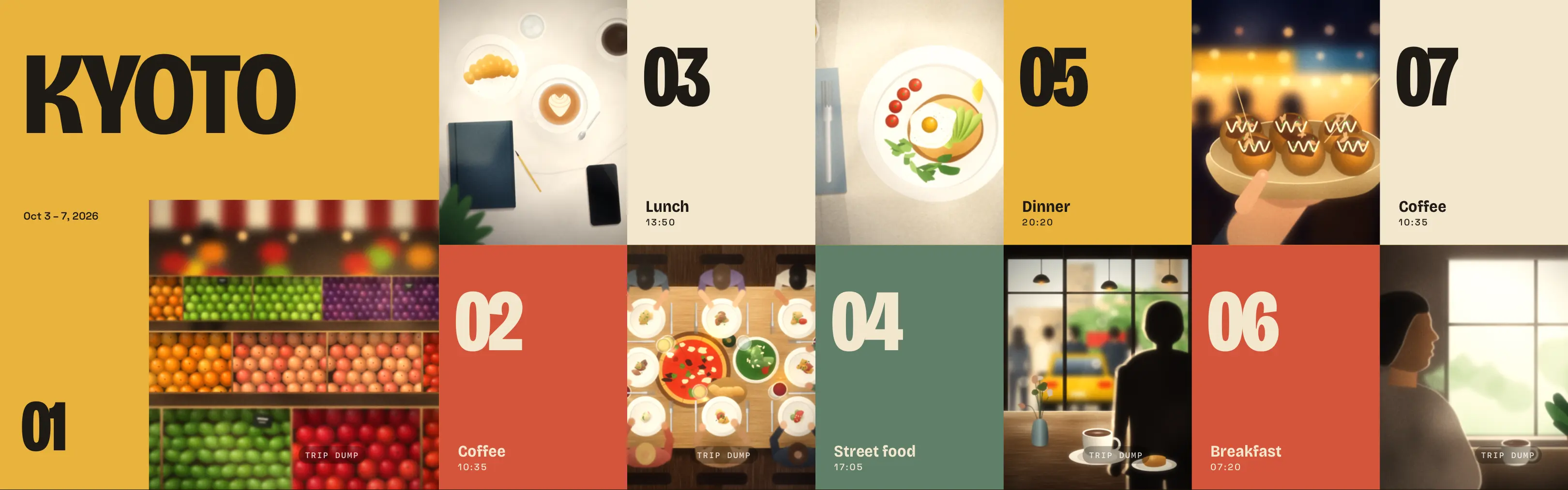
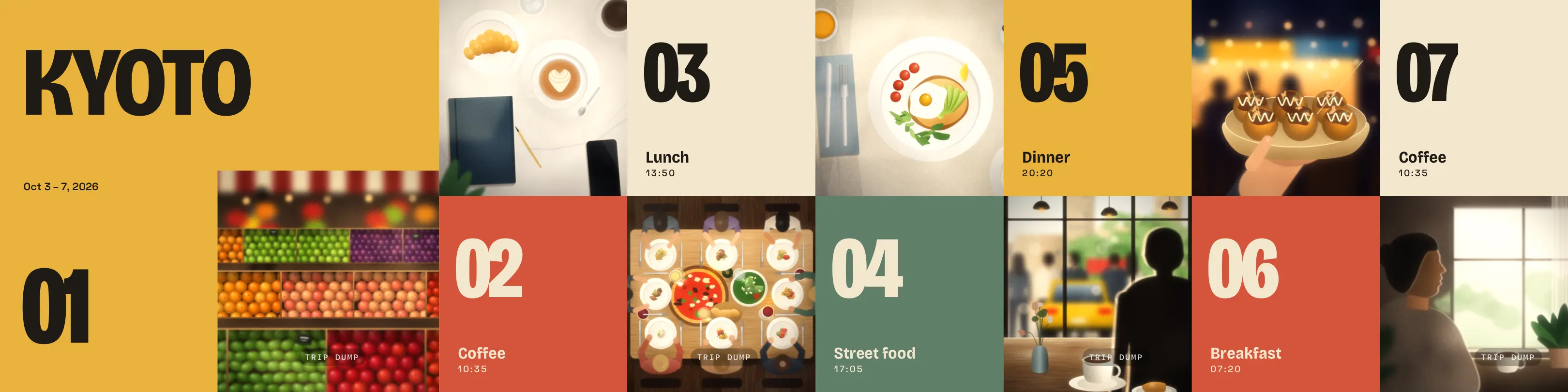
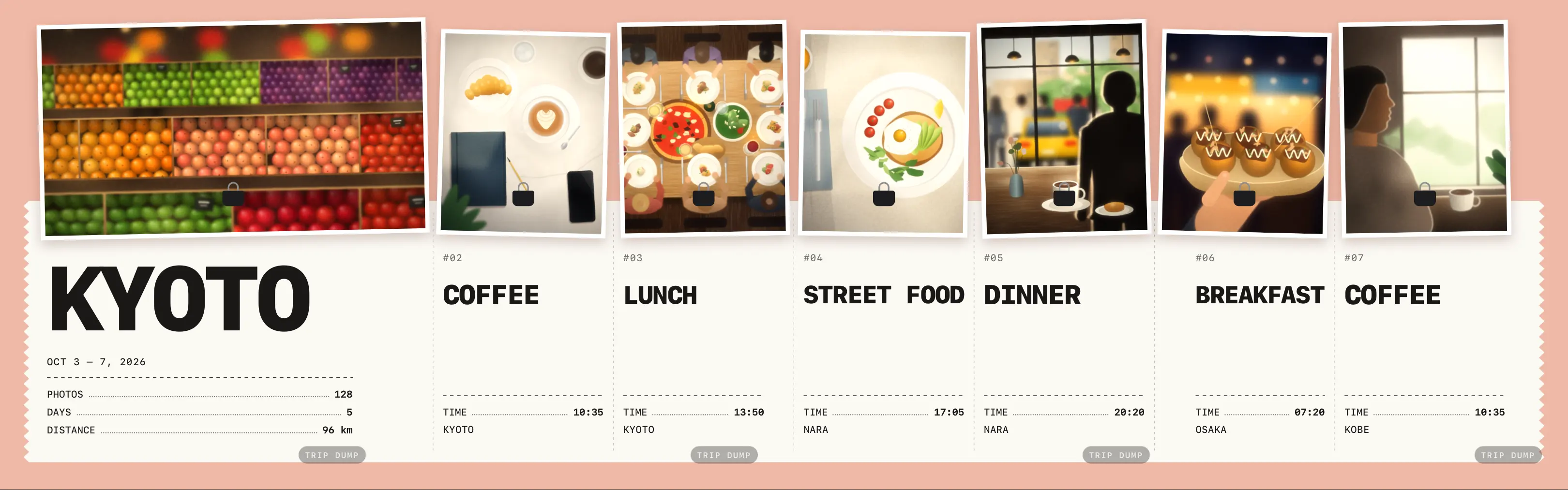
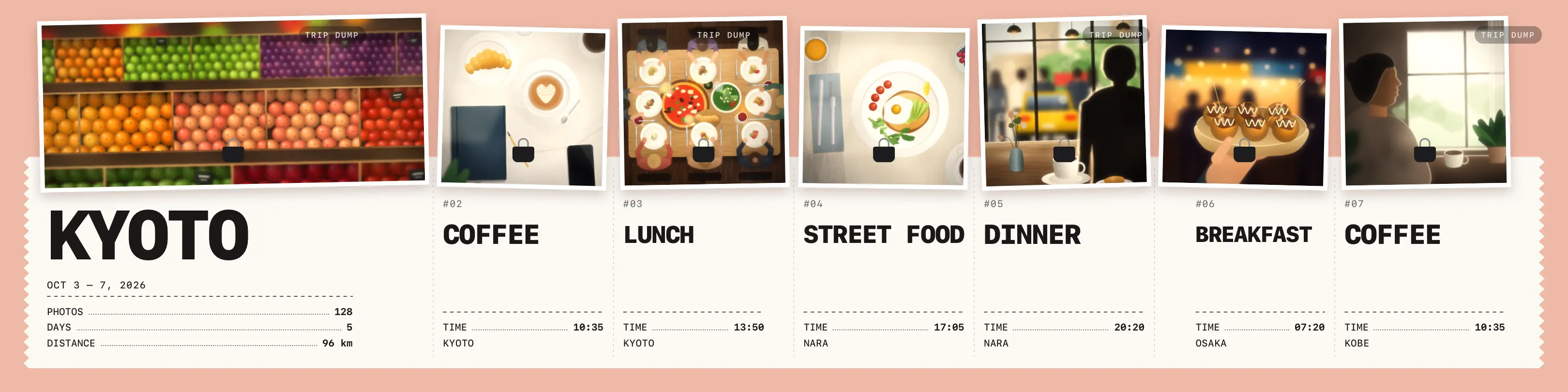
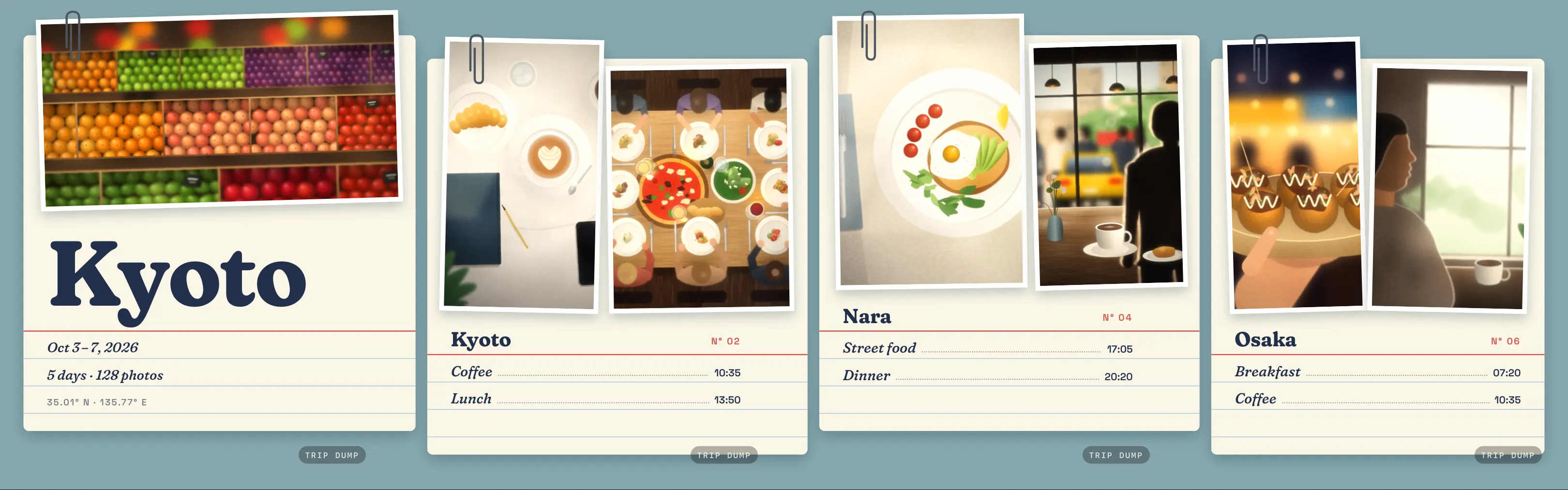
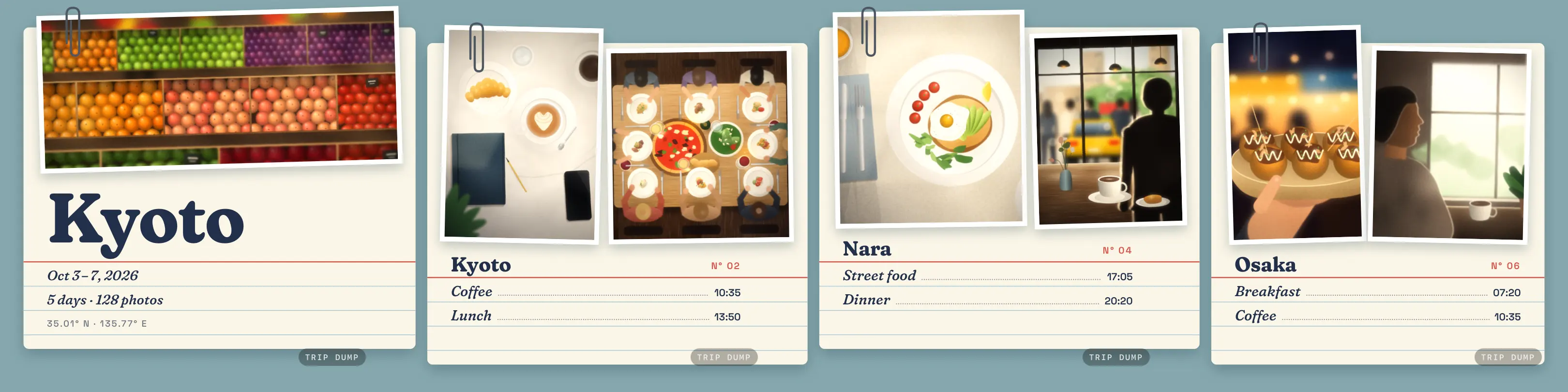
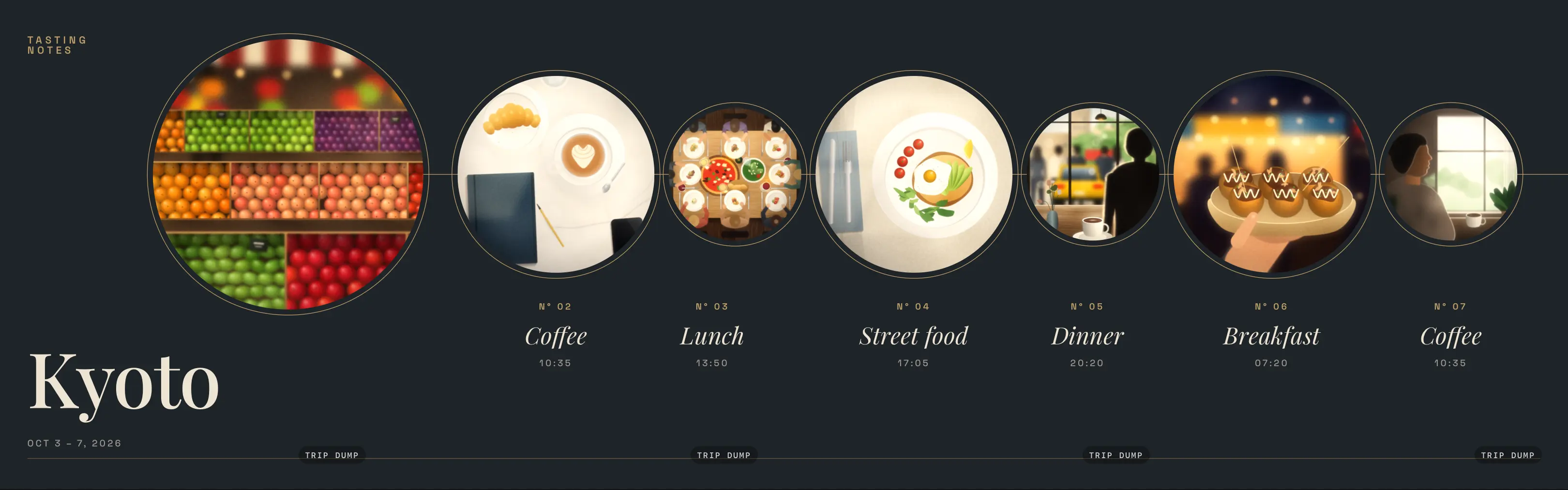

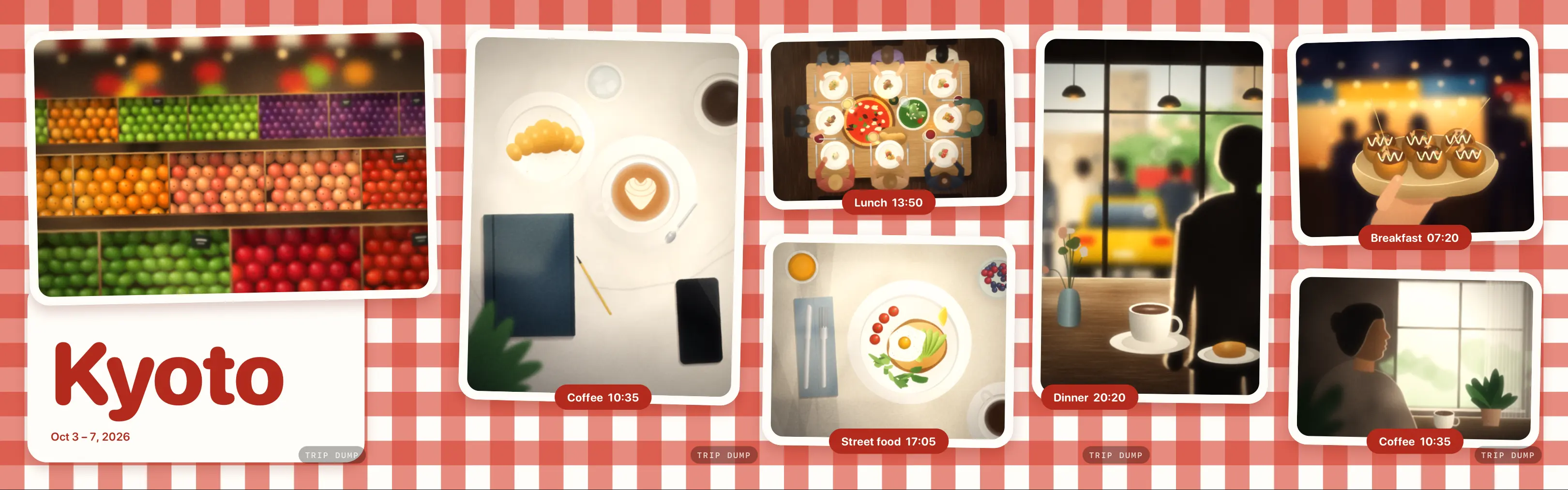








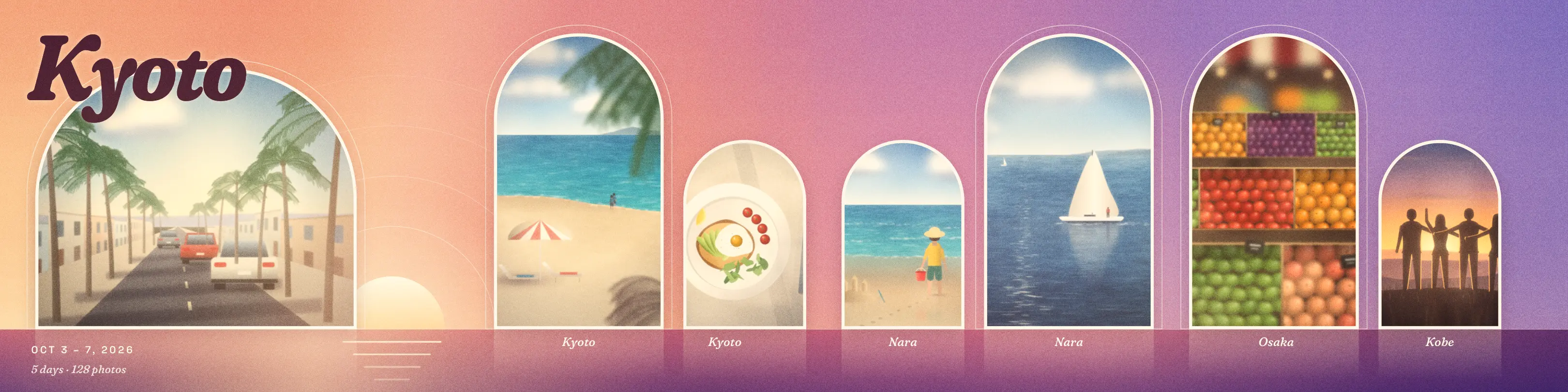
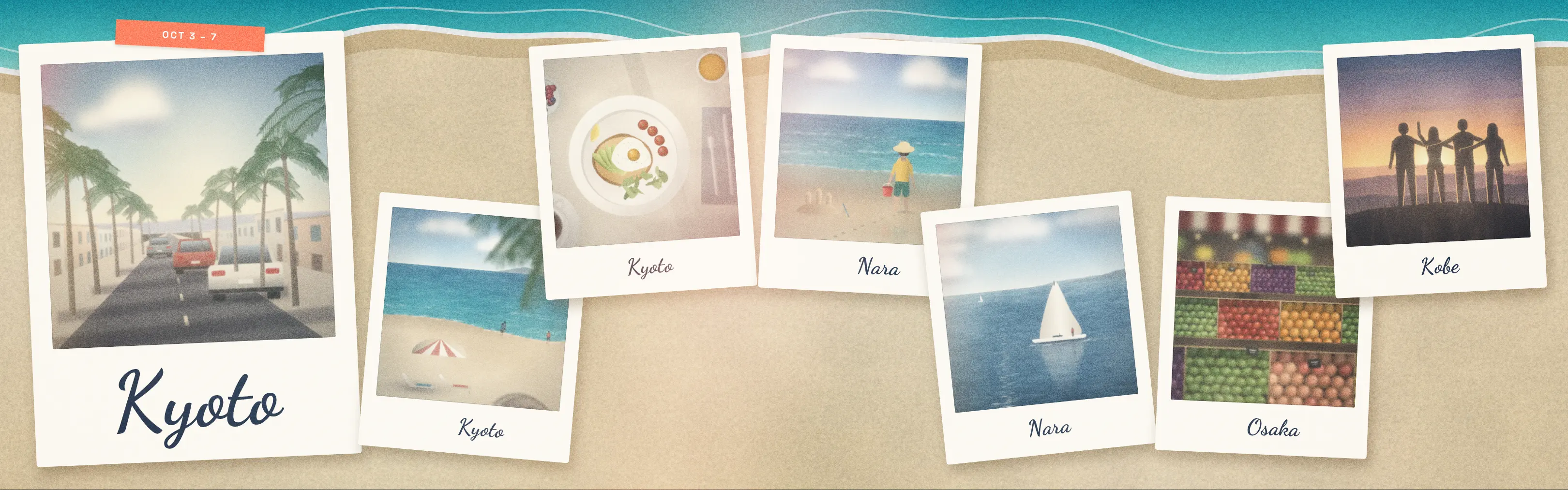
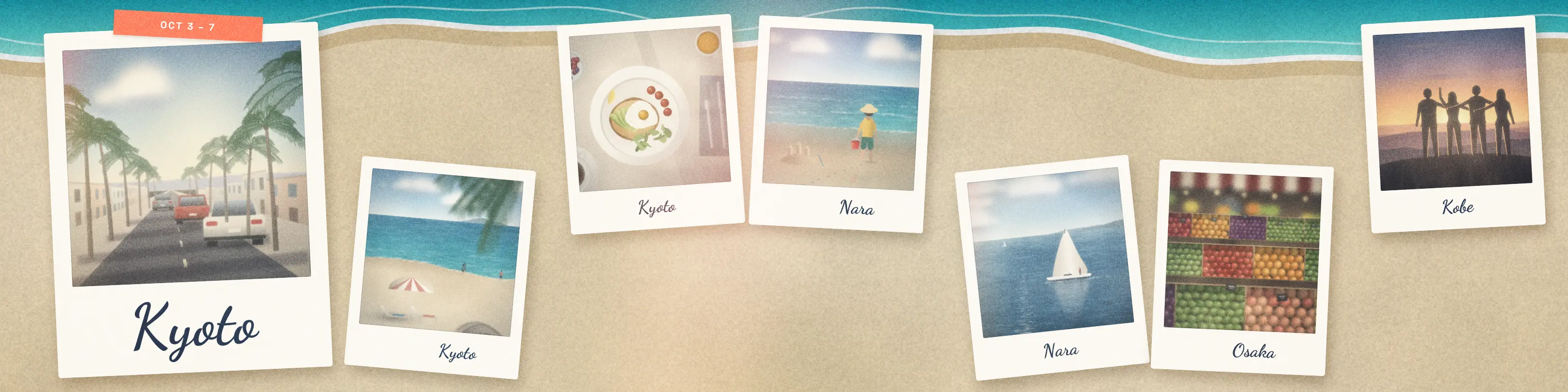
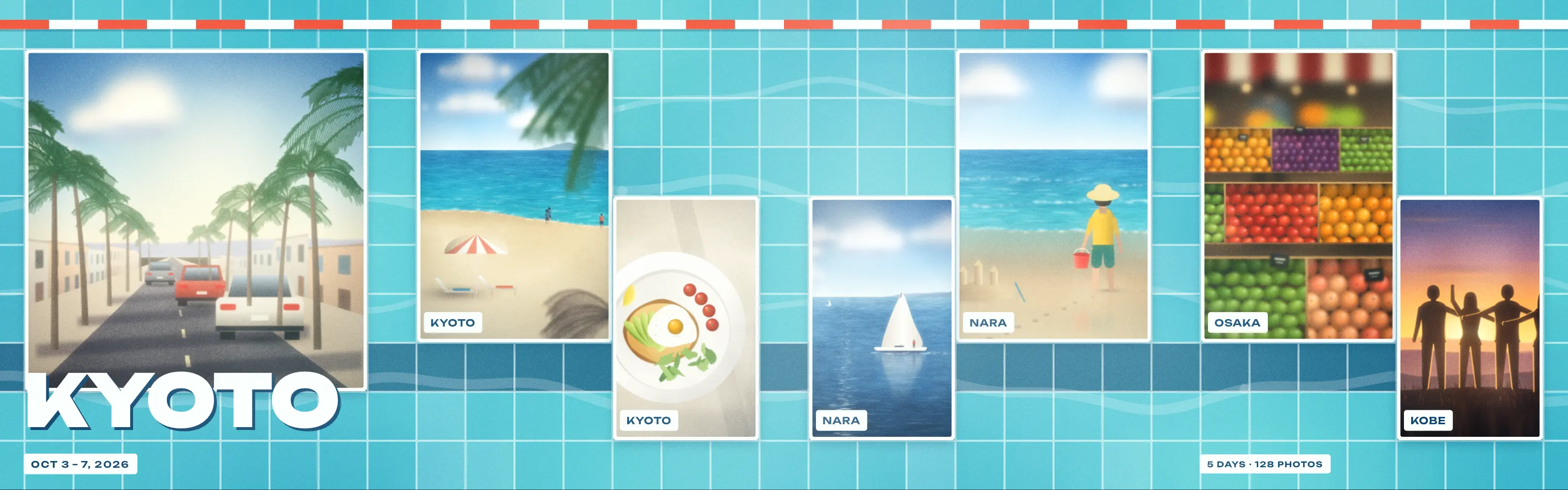
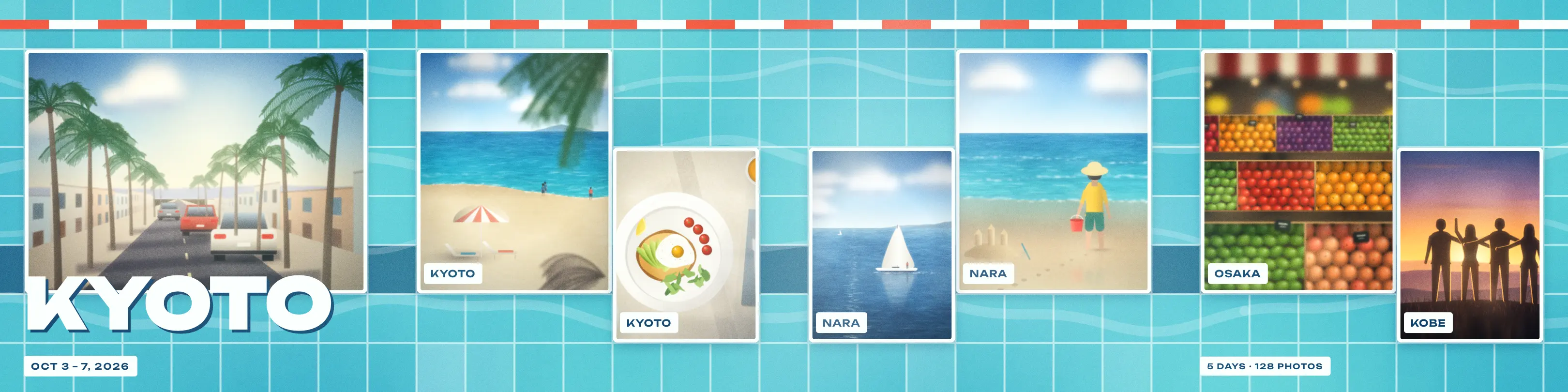
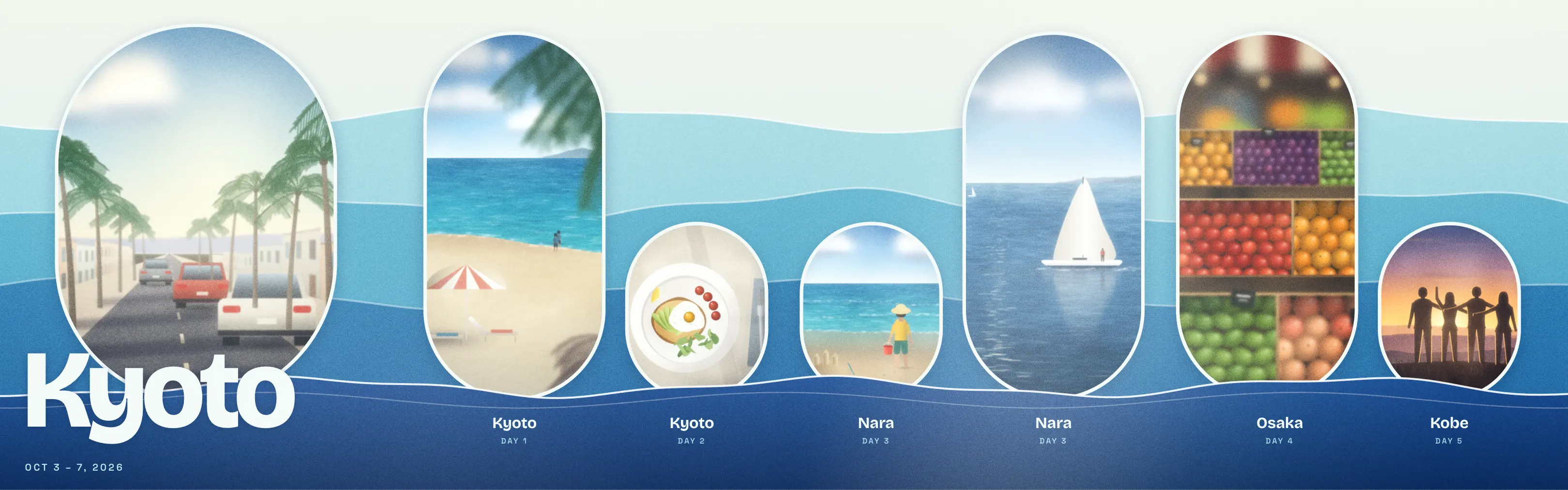
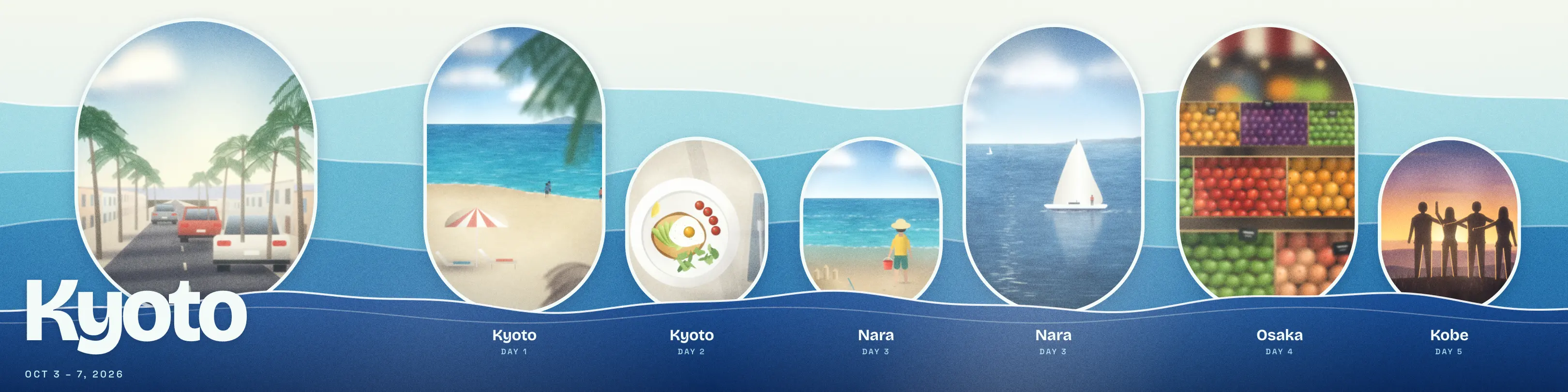
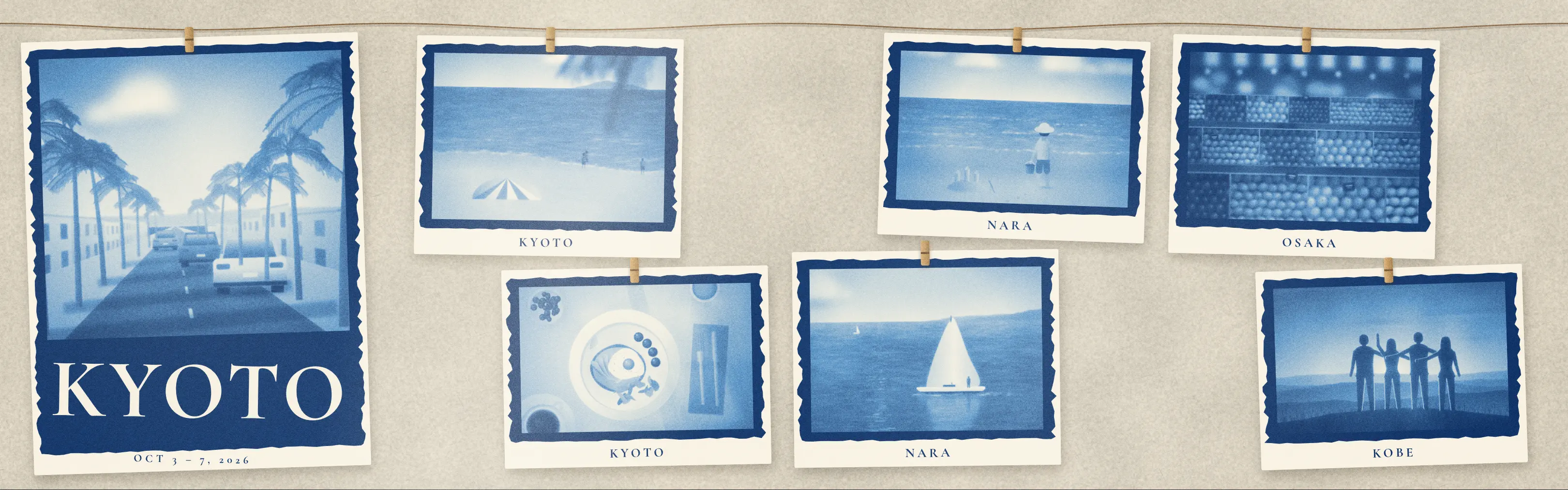
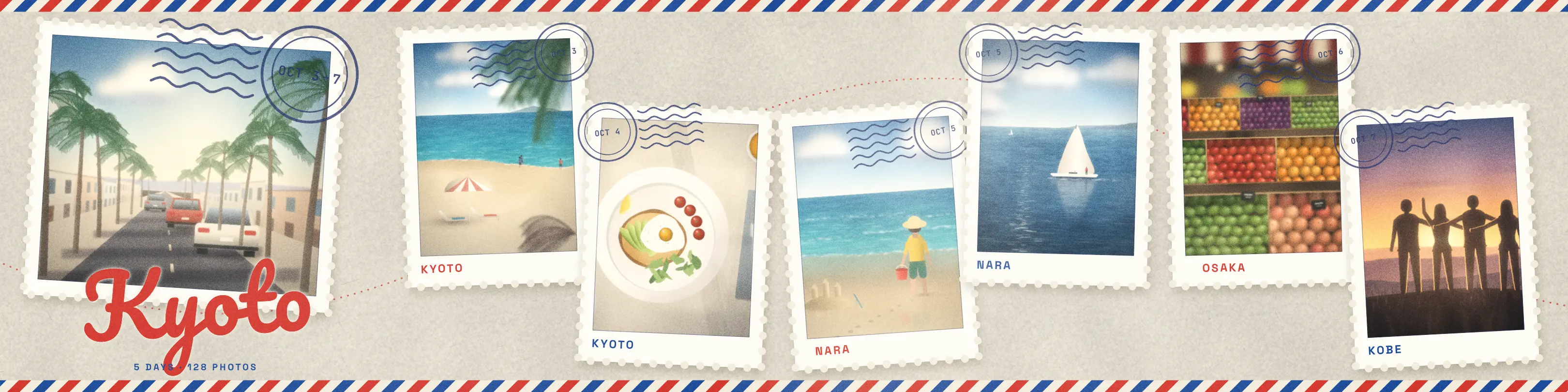
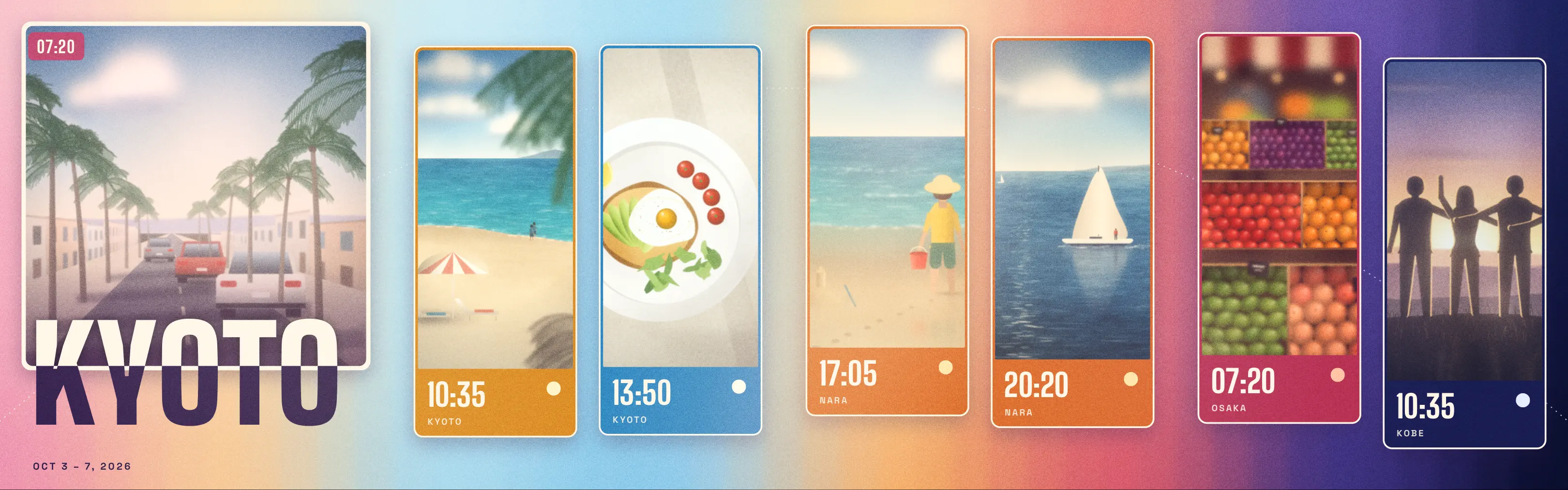
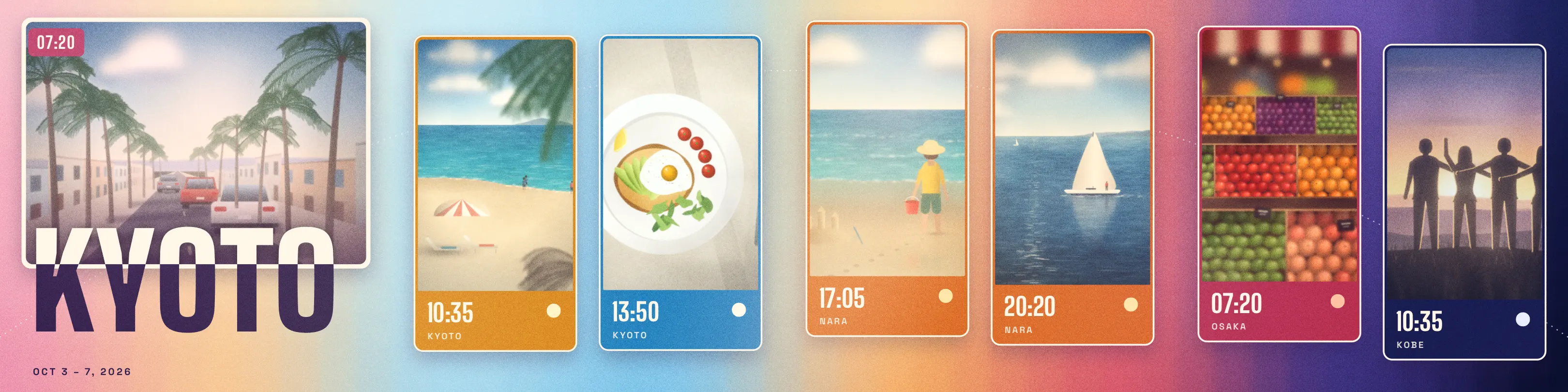
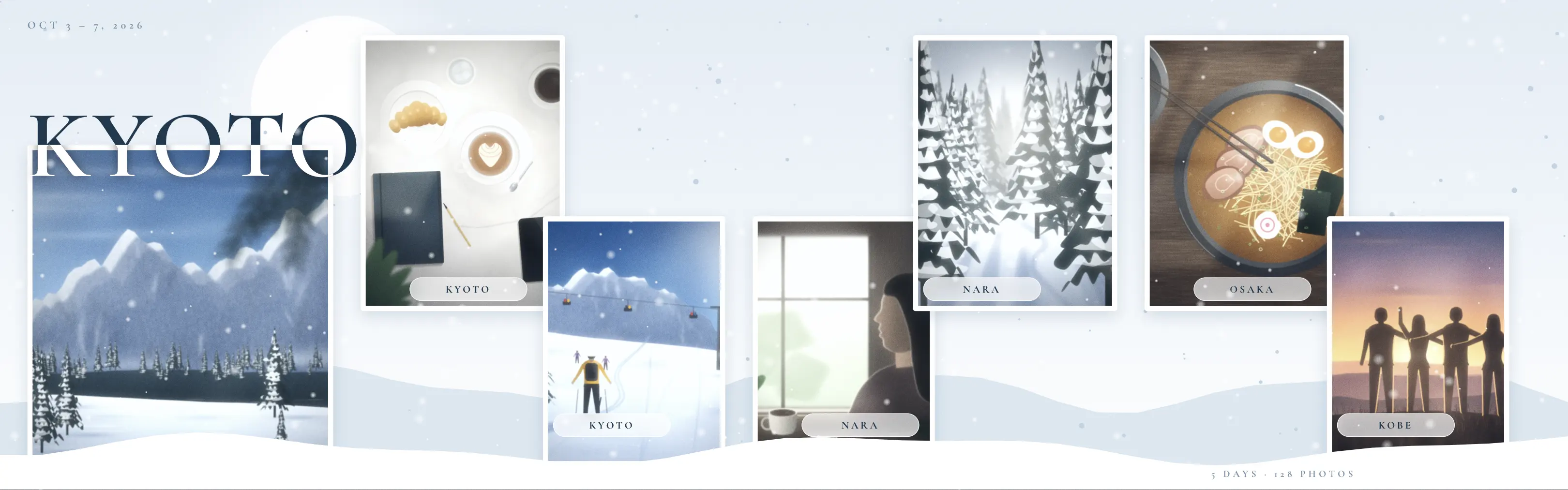
















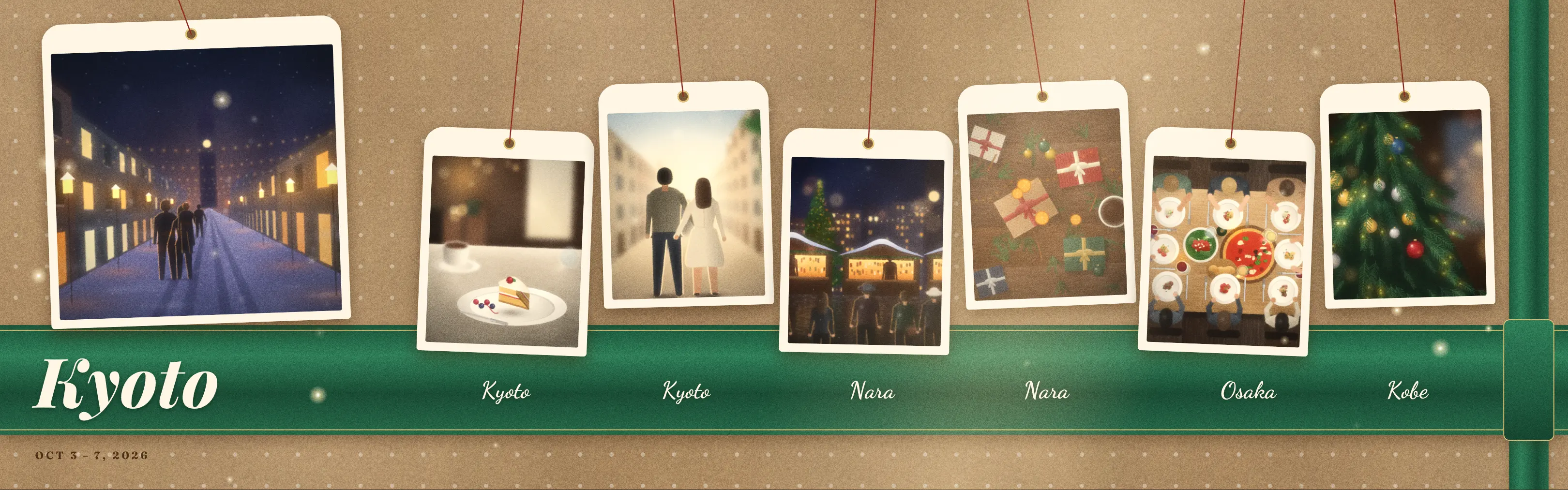
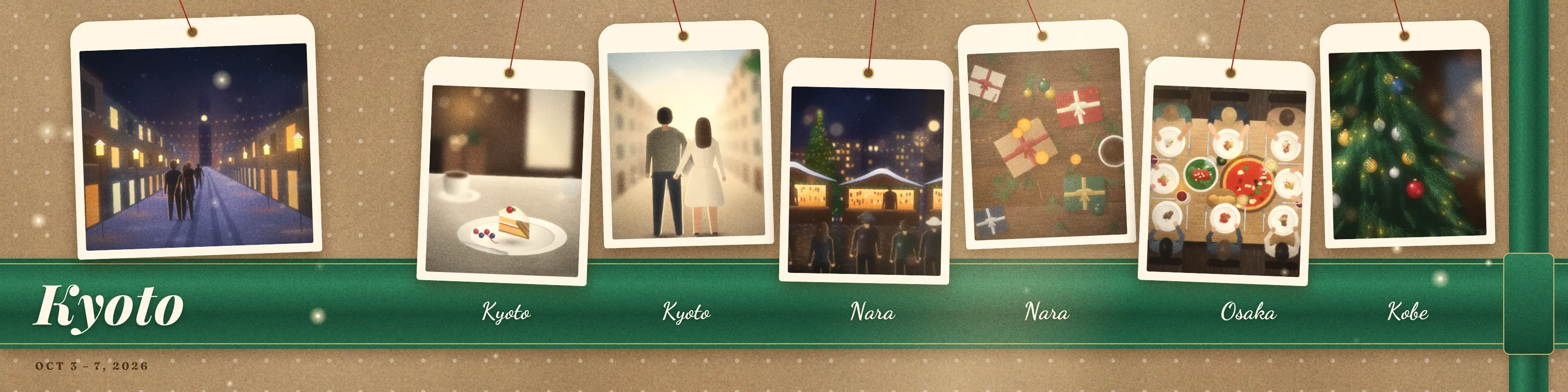


Trip Dump finds each trip in your photo library, picks the best shots and lays them out as a carousel for Instagram, Facebook, Threads, TikTok and X.

Trip photos to carousel posts in 30 seconds

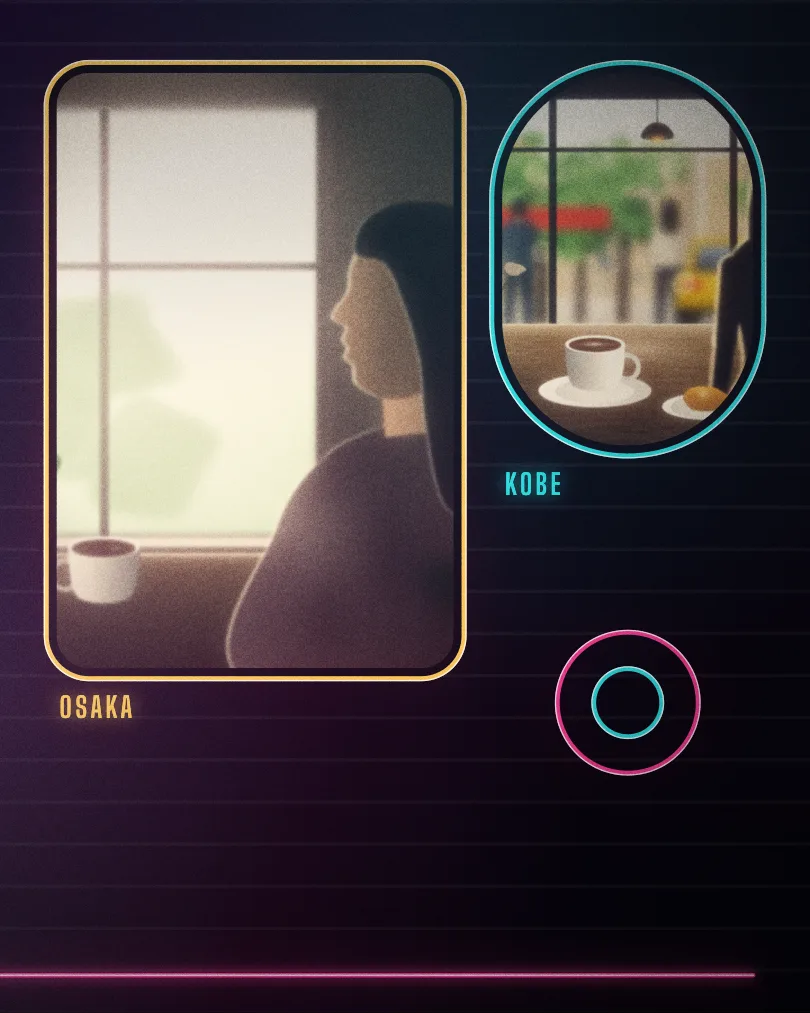
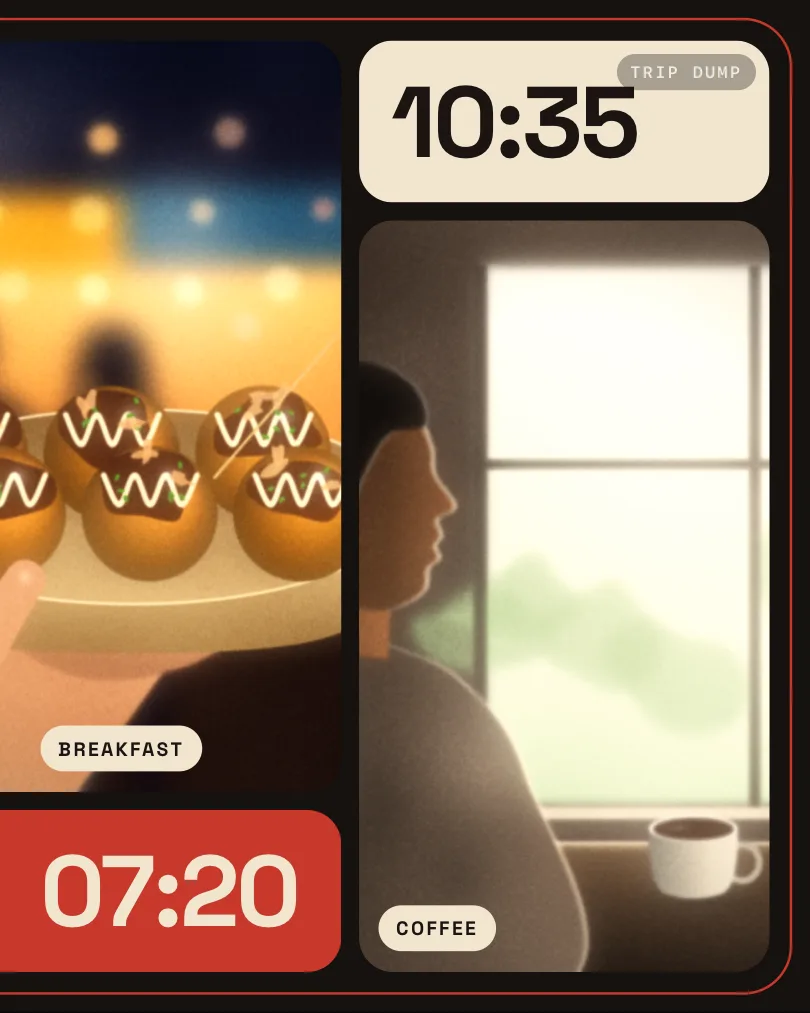
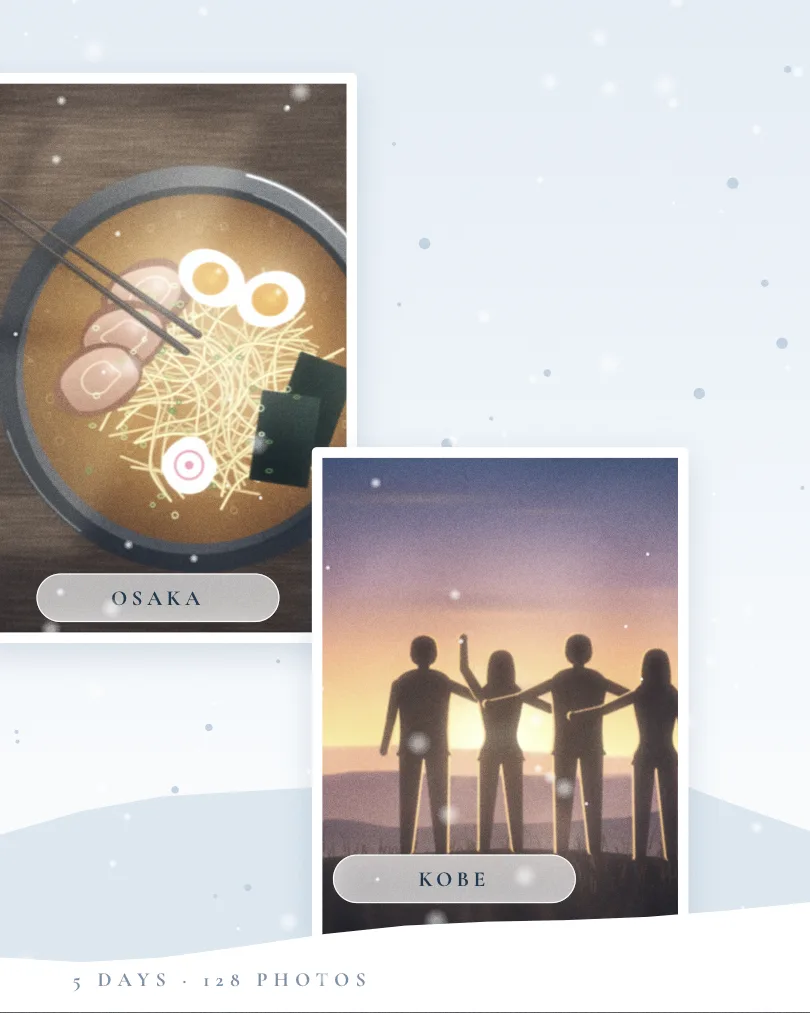
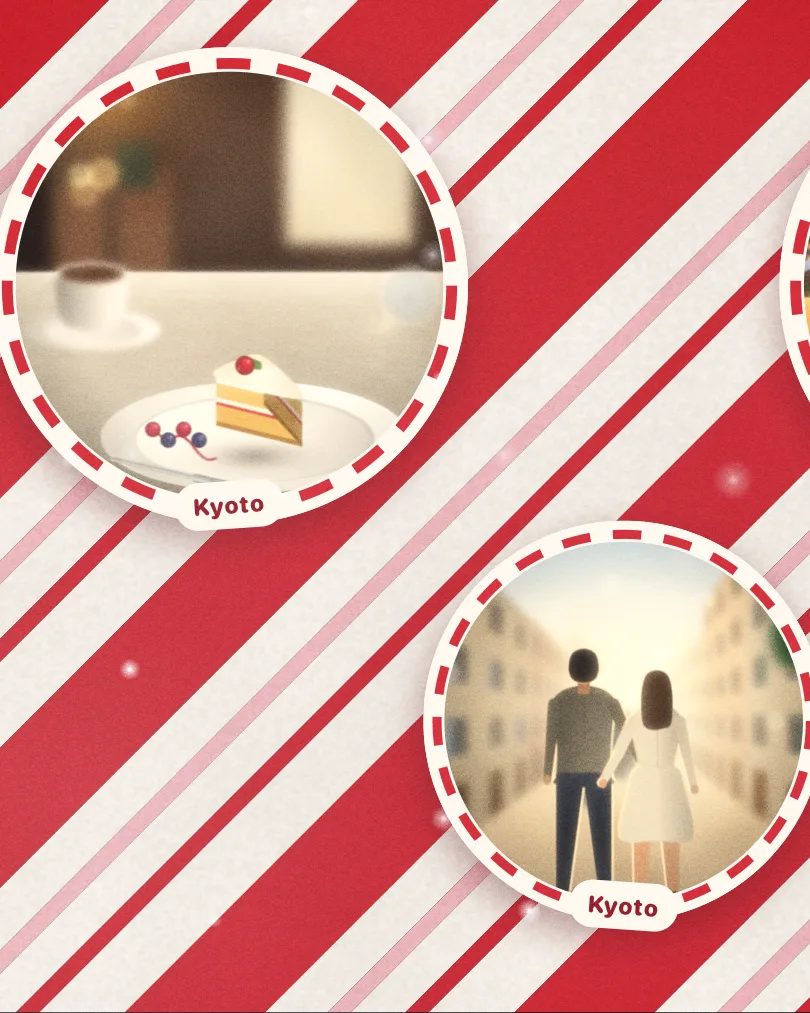
  1. Slide 1 of a Kyoto trip in the Editorial look
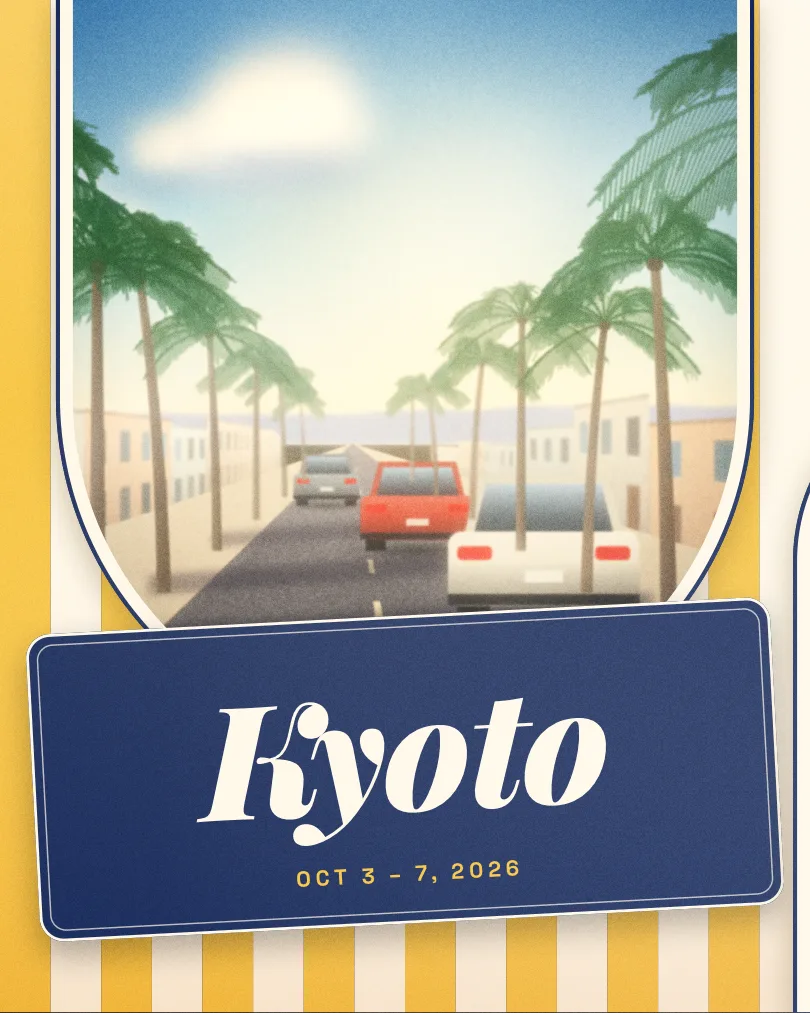
  2. Slide 2 of a Kyoto trip in the Editorial look
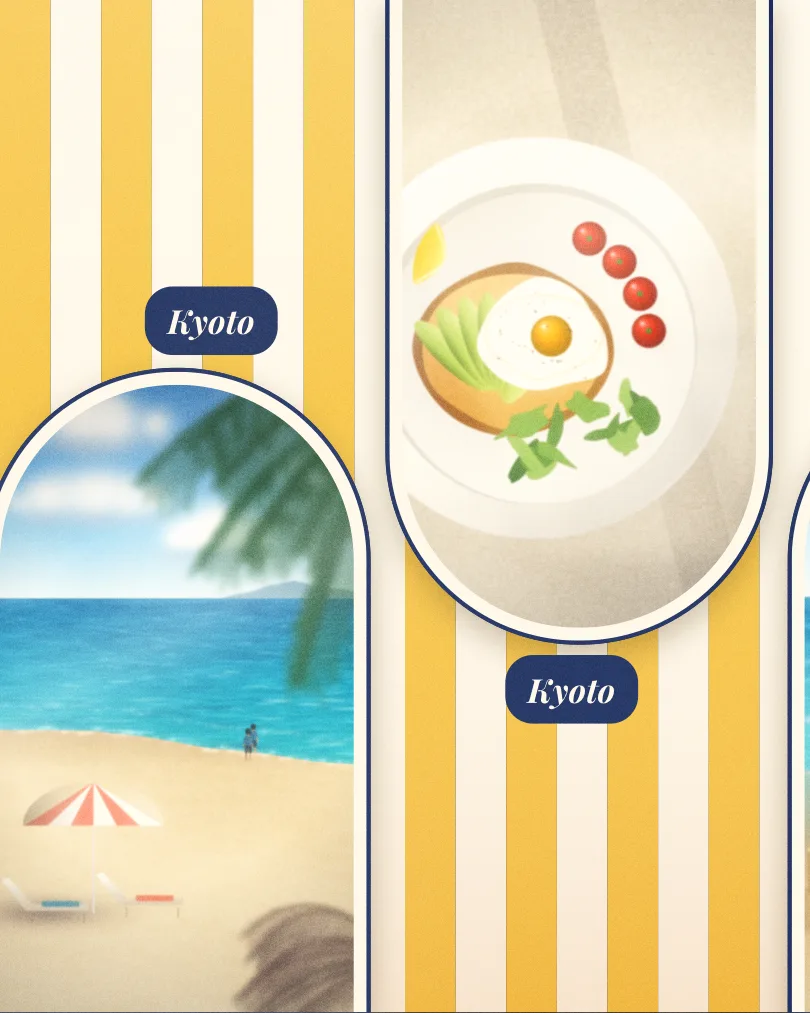
  3. Slide 3 of a Kyoto trip in the Editorial look
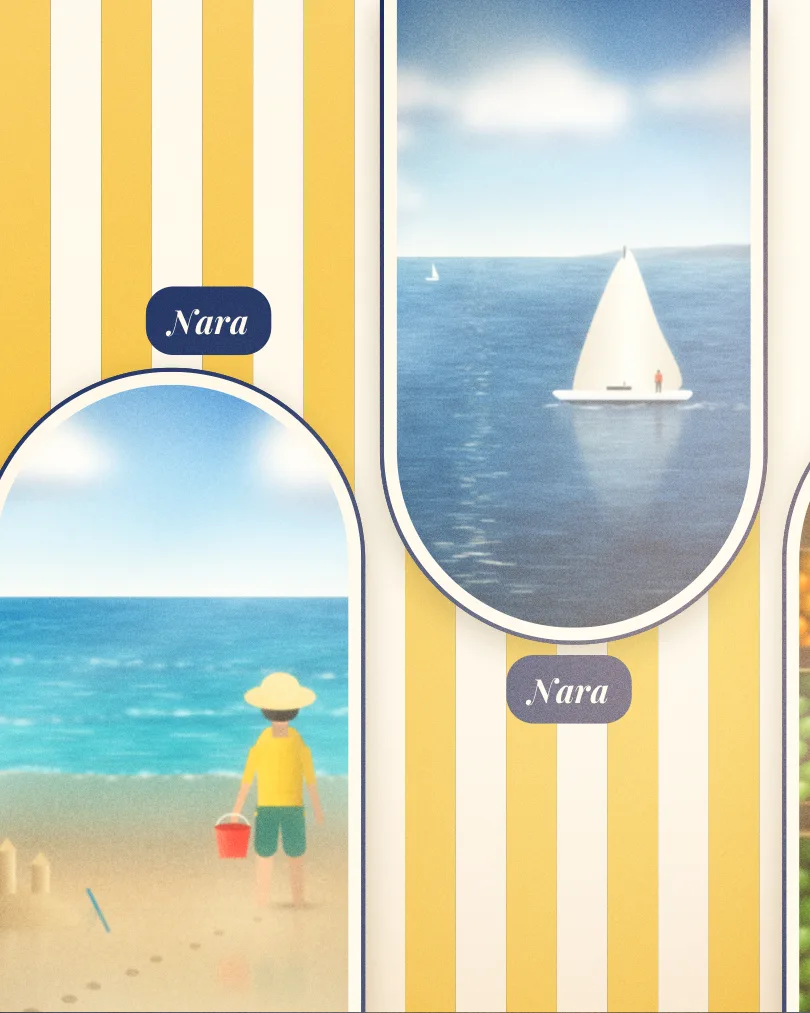
  4. Slide 4 of a Kyoto trip in the Editorial look
Coming soon to the App Store See all looks

A carousel maker for the trips you never posted. Made for iPhone.

You come home with hundreds of photos and post none of them. Trip Dump does the sorting, the choosing and the layout, so the trip reaches your feed the same evening.

Posts to
Instagram, Facebook, Threads, TikTok and X
Languages
English, Vietnamese, Japanese and Korean
App Store
US, UK, Canada, Australia, New Zealand, Japan, South Korea, Malaysia and Vietnam
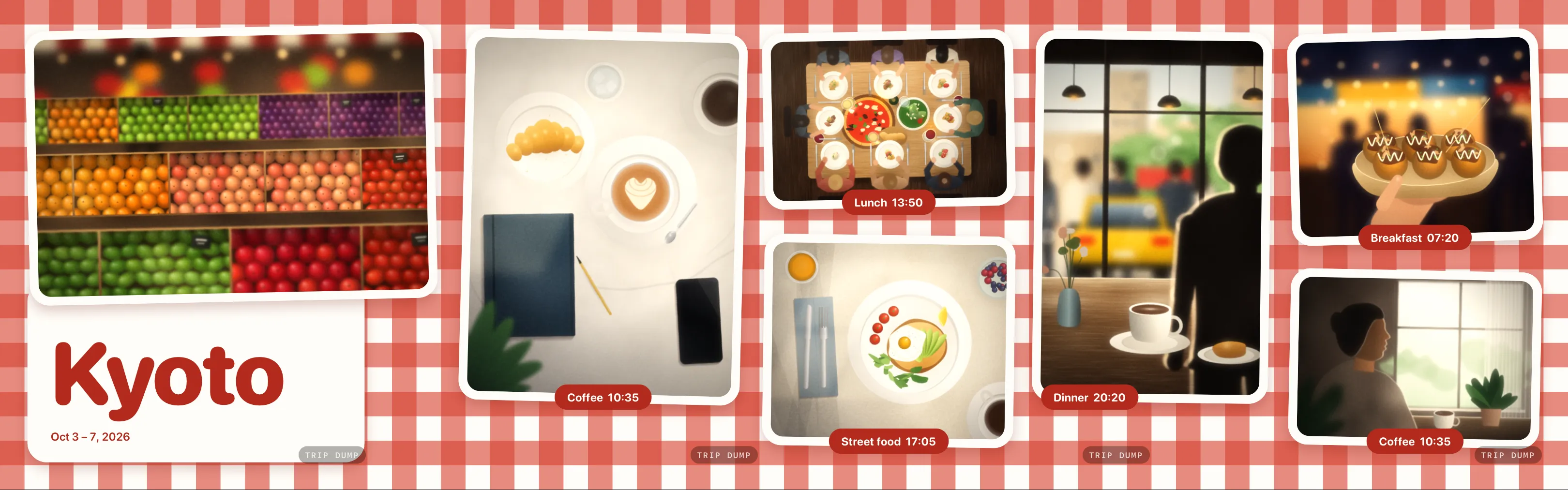
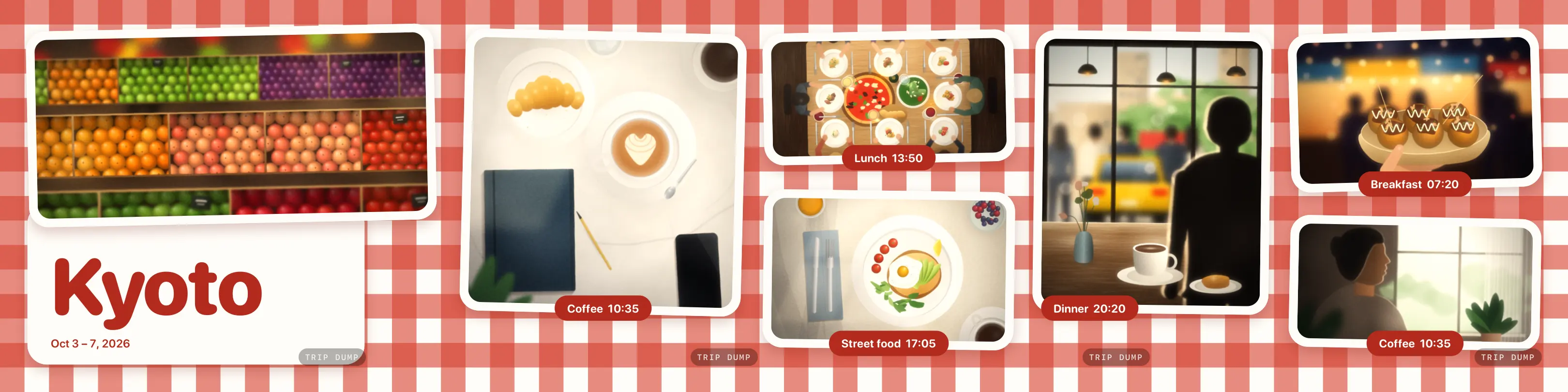
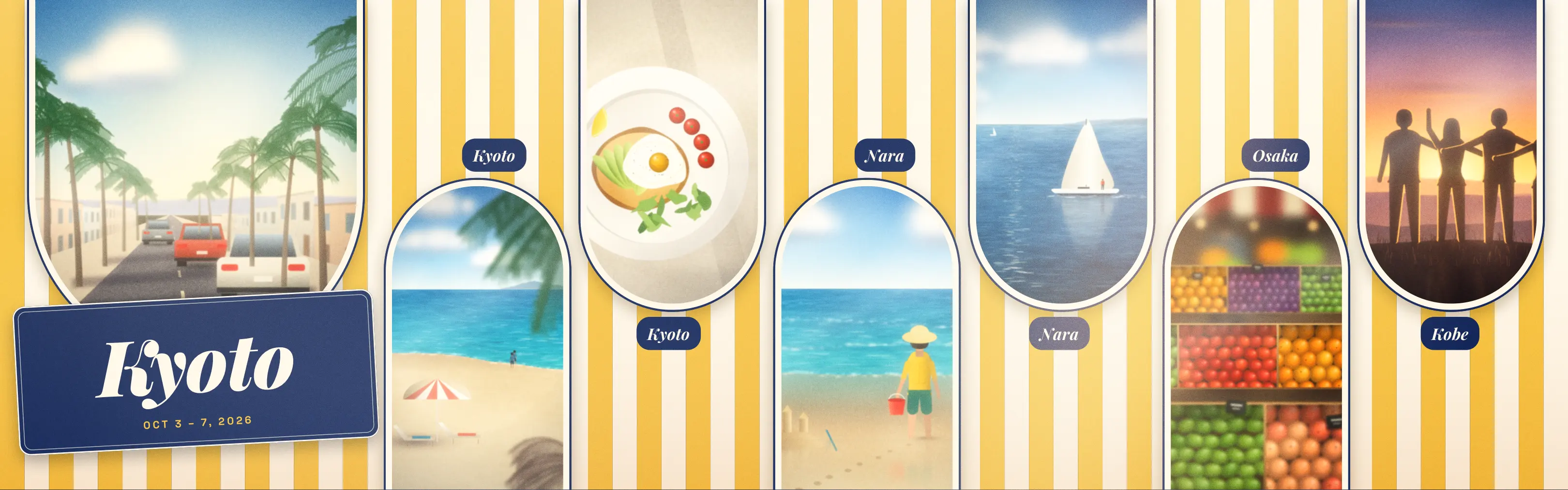
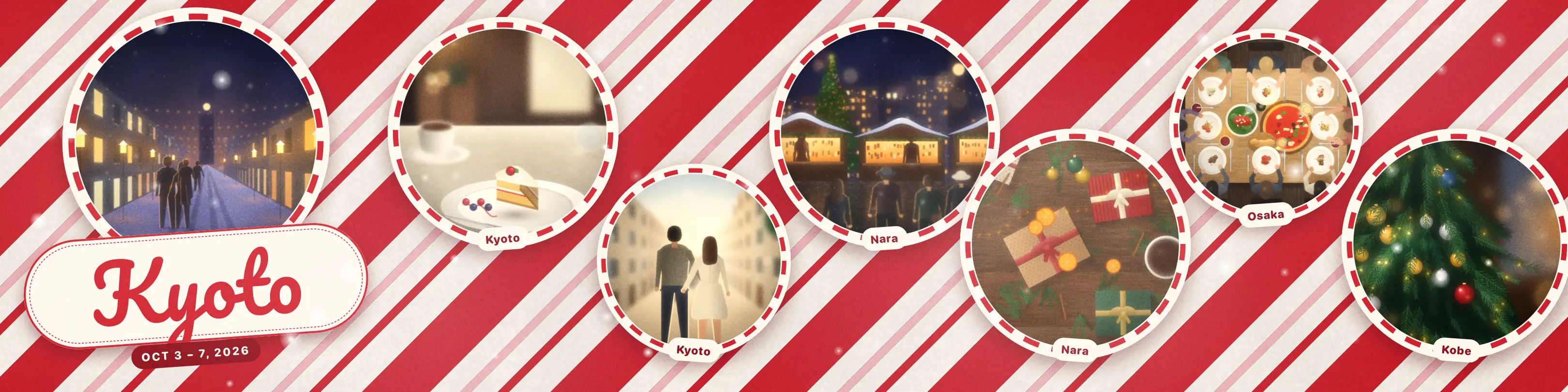
A Kyoto trip laid out in the Gingham look: market stalls, coffee, lunch and dinner on a red check background

Three steps from photo library to post. About 30 seconds.

  1. Step 01 / 03

    Trip Dump finds your trips

    It groups your photos by date and place and names each trip, so a weekend away shows up on its own.

    The home screen with trips found in the photo library
  2. Step 02 / 03

    Pick a look

    Every trip opens in a ready-made look. Try another, swap a photo or edit the title.

    The look picker showing City Break and Basic looks for a Kyoto trip
  3. Step 03 / 03

    Tap Export

    Save five slides at 1080 × 1350 to Photos, or an 18-second Reel, and post from any app.

    The export screen with Carousel and Reel options and a Save to Photos button

Everything runs on your iPhone. Nothing to sign up for.

  1. Finds trips by itself

    Reads when and roughly where each photo was taken and groups them into trips.

  2. Picks the best photos

    Chooses the strongest shots of each trip, so you start from a finished post.

  3. A look for every trip

    Packs from Basic and Food Diary to City Break, Sun & Sea, Winter and Christmas, with new looks every month.

  4. Exports 4:5 and 1:1

    Portrait slides for the feed, or square slides when the post calls for them.

  5. Saves carousels and Reels

    Five slides as PNG, or a 9:16 Reel with room to add music in Instagram.

  6. Keeps photos on the device

    Only rough locations go to Apple, to look up place names. Nothing else leaves.

  7. Opens without an account

    No sign-up, no ads and no tracking. Your trips are there when the app opens.

  8. Speaks four languages

    English, Vietnamese, Japanese and Korean, with dates and place names to match.

New looks every month

Real exports from the app, scrolled sideways. Basic and Food Diary are free; Premium opens every pack.

BasicFree

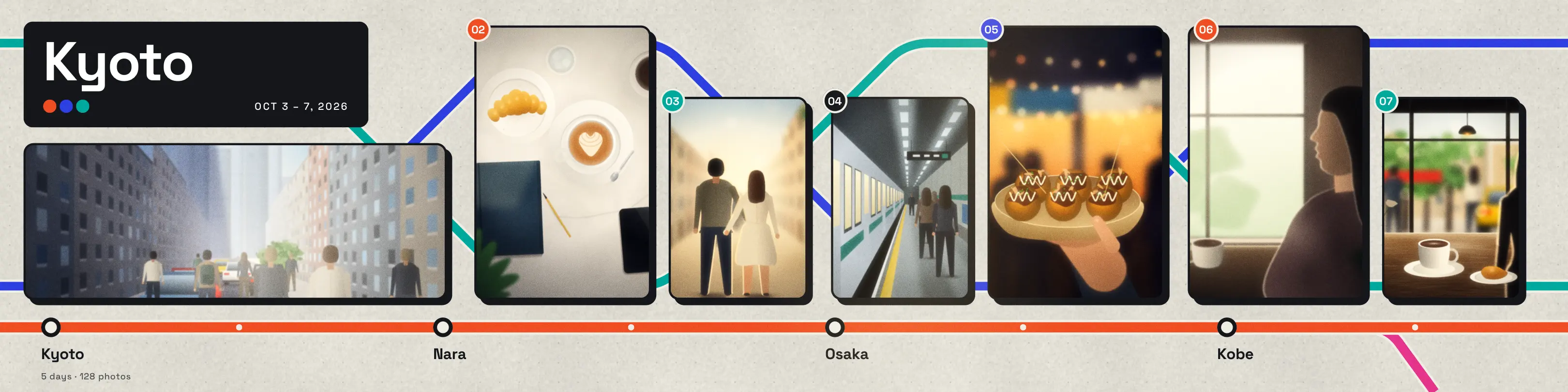
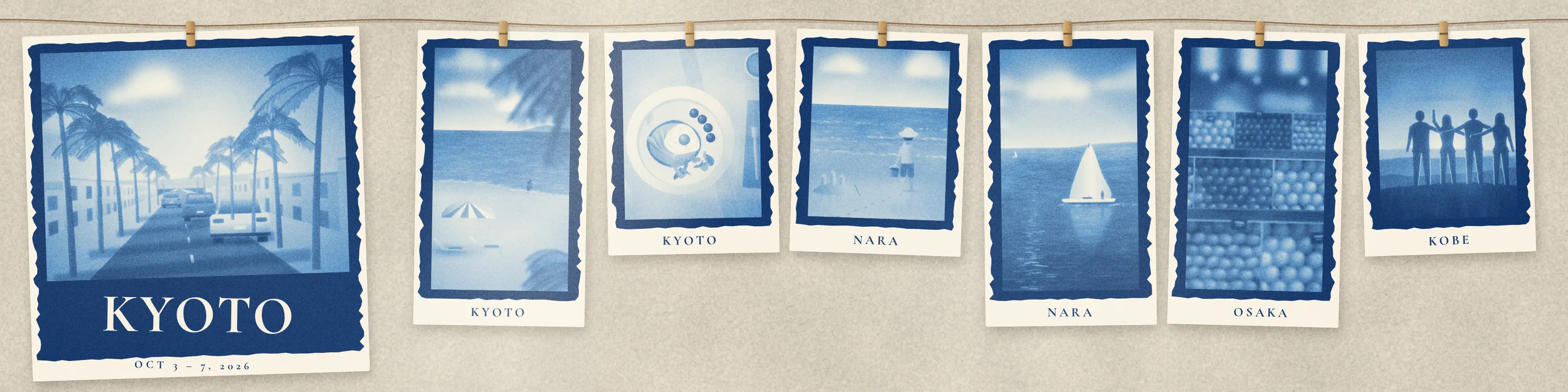
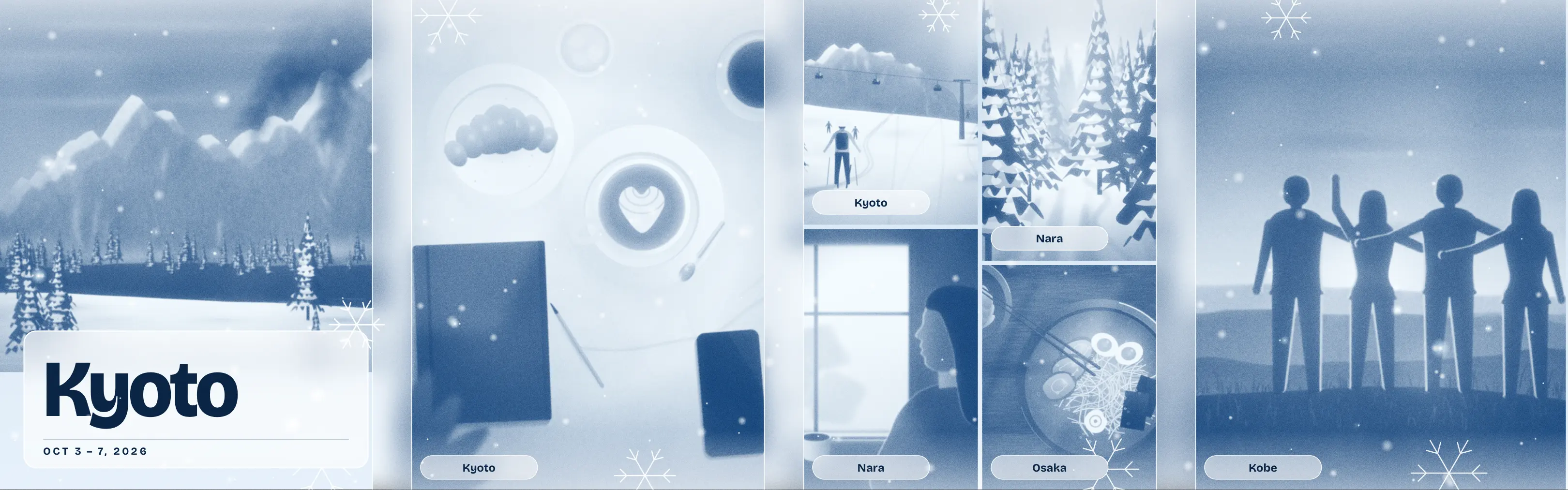
  • A trip carousel in the Editorial lookA trip carousel in the Editorial look Editorial
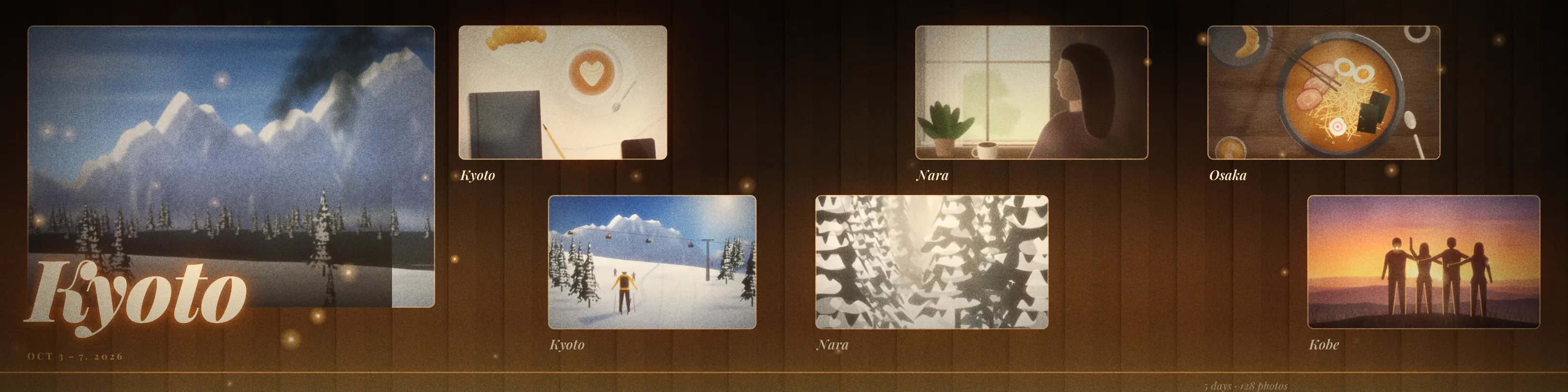
  • A trip carousel in the Gallery lookA trip carousel in the Gallery look Gallery
  • A trip carousel in the Headline lookA trip carousel in the Headline look Headline
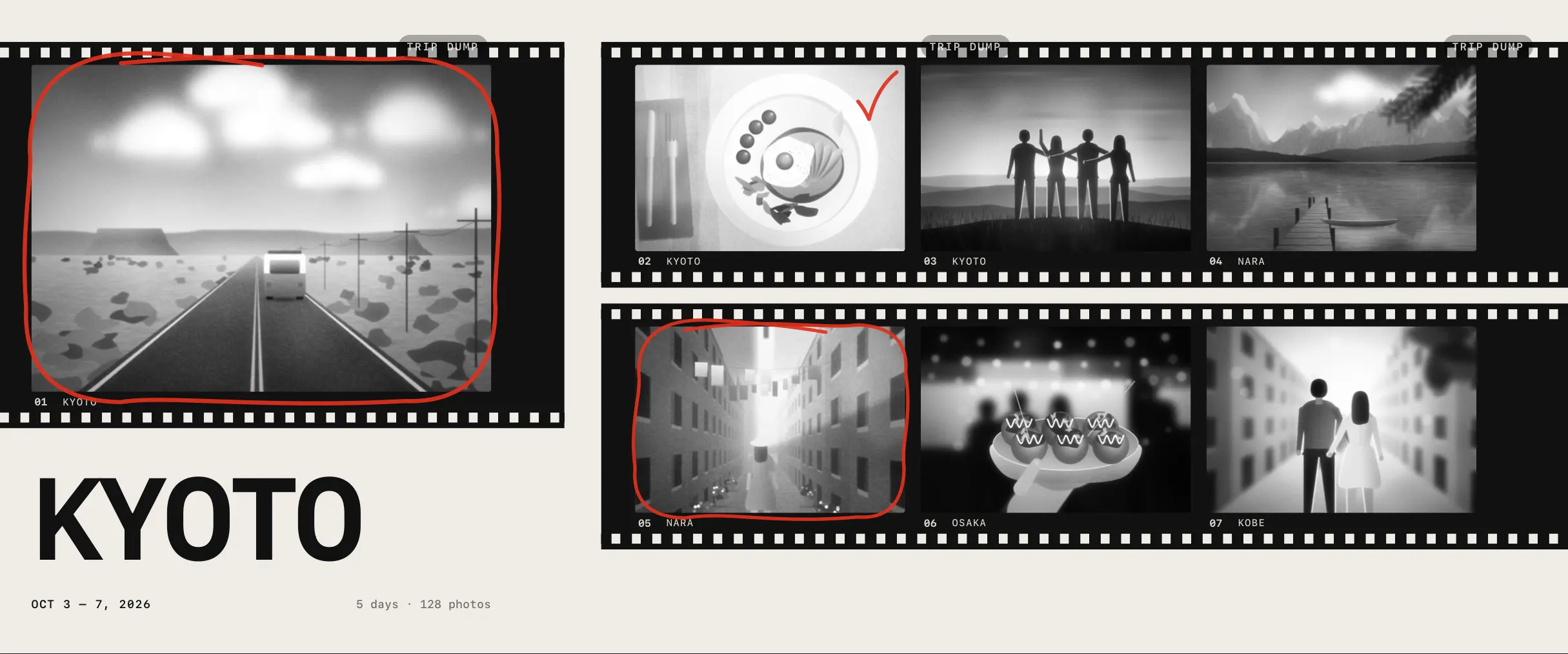
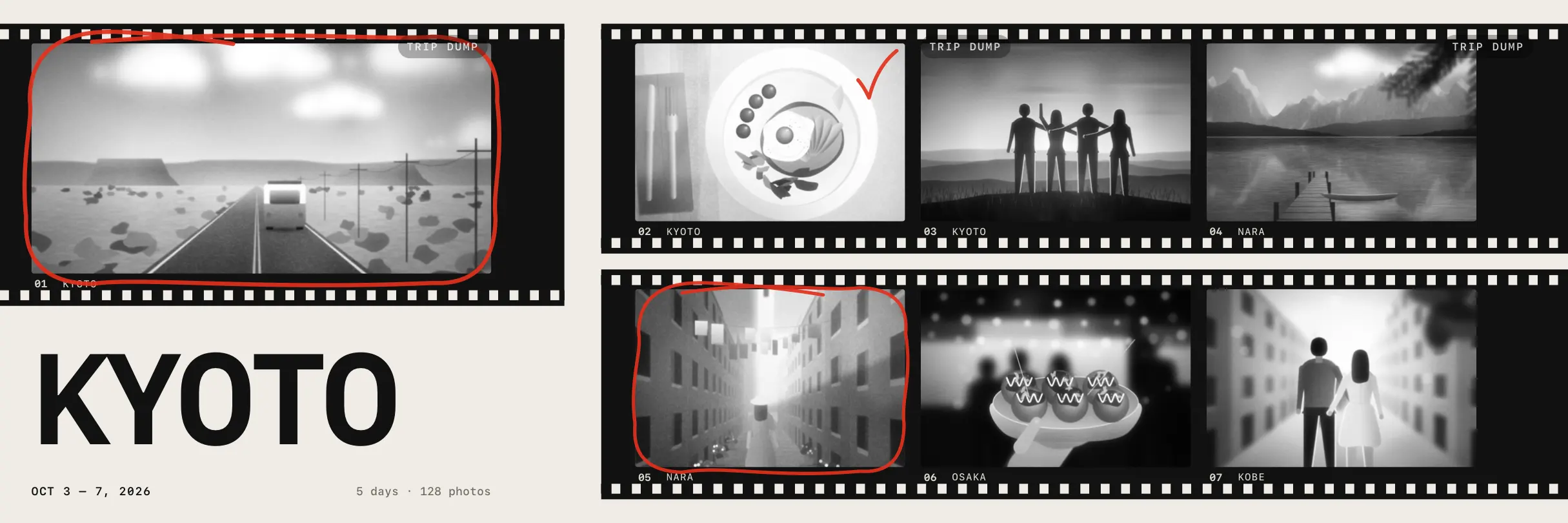
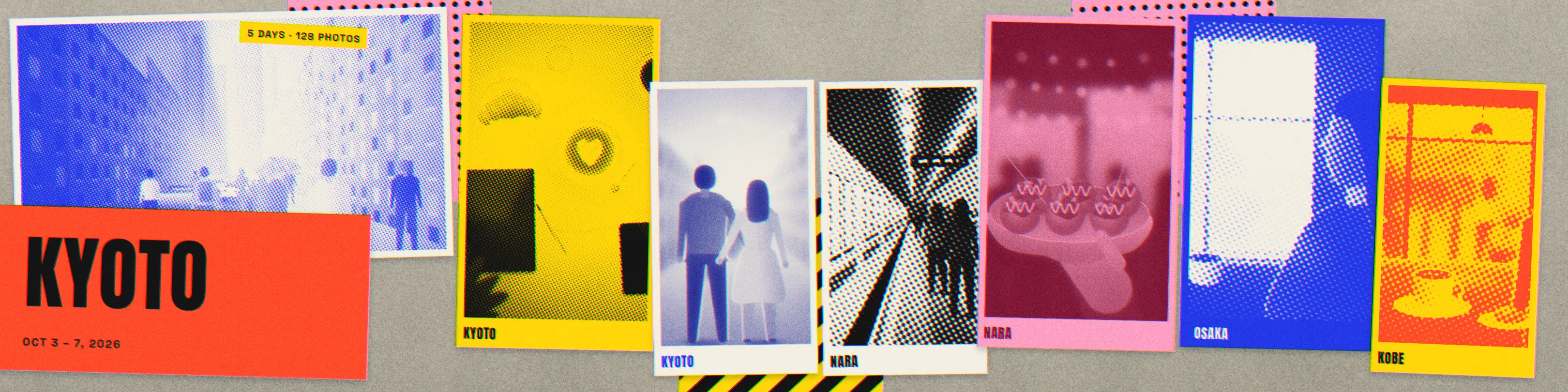
  • A trip carousel in the Contact Sheet lookA trip carousel in the Contact Sheet look Contact Sheet
  • A trip carousel in the Snapshots lookA trip carousel in the Snapshots look Snapshots
  • A trip carousel in the Index lookA trip carousel in the Index look Index
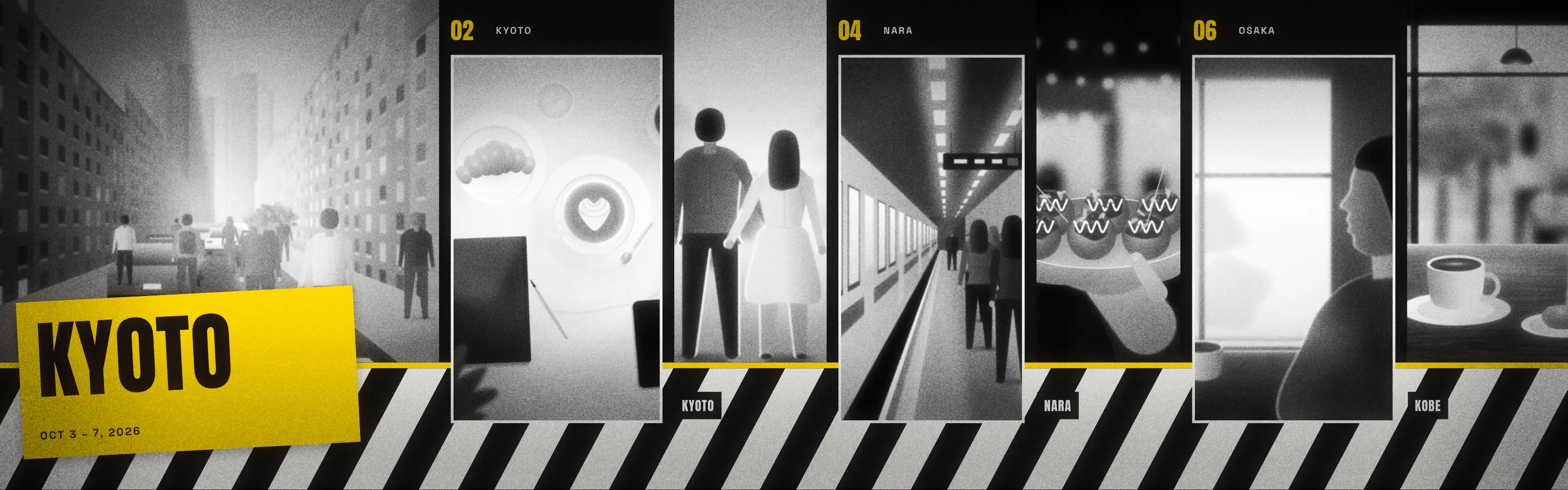
  • A trip carousel in the Monochrome lookA trip carousel in the Monochrome look Monochrome
  • A trip carousel in the Dateline lookA trip carousel in the Dateline look Dateline

Food DiaryFree

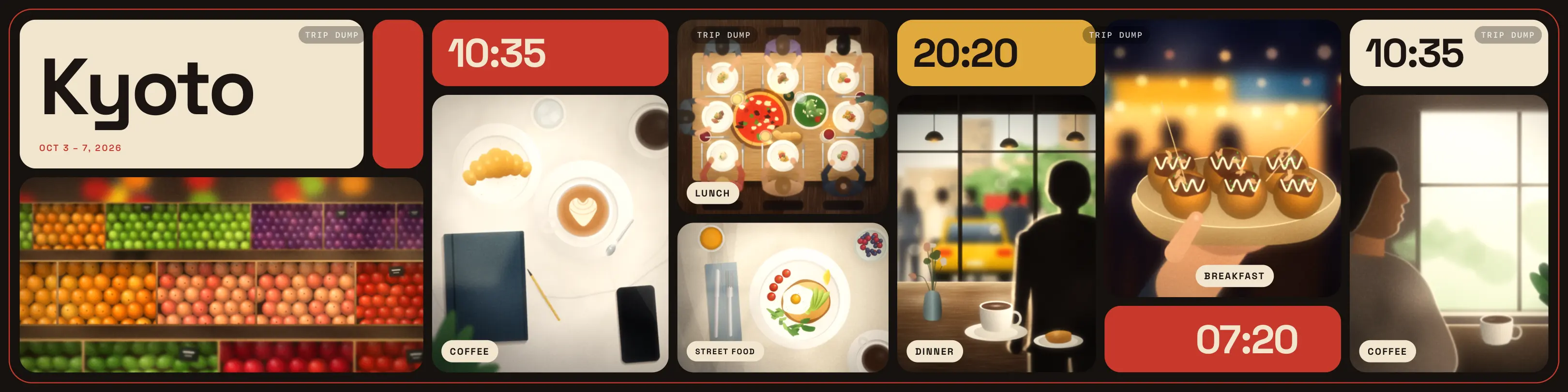
  • A trip carousel in the Table Notes lookA trip carousel in the Table Notes look Table Notes
  • A trip carousel in the Menu lookA trip carousel in the Menu look Menu
  • A trip carousel in the Top Down lookA trip carousel in the Top Down look Top Down
  • A trip carousel in the Receipt lookA trip carousel in the Receipt look Receipt
  • A trip carousel in the Recipe Card lookA trip carousel in the Recipe Card look Recipe Card
  • A trip carousel in the Tasting Notes lookA trip carousel in the Tasting Notes look Tasting Notes
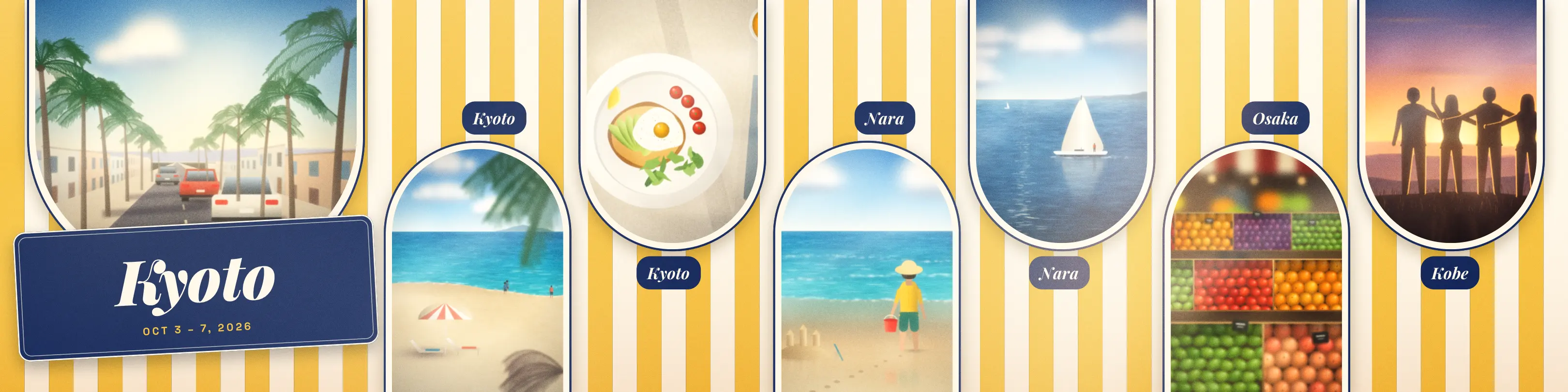
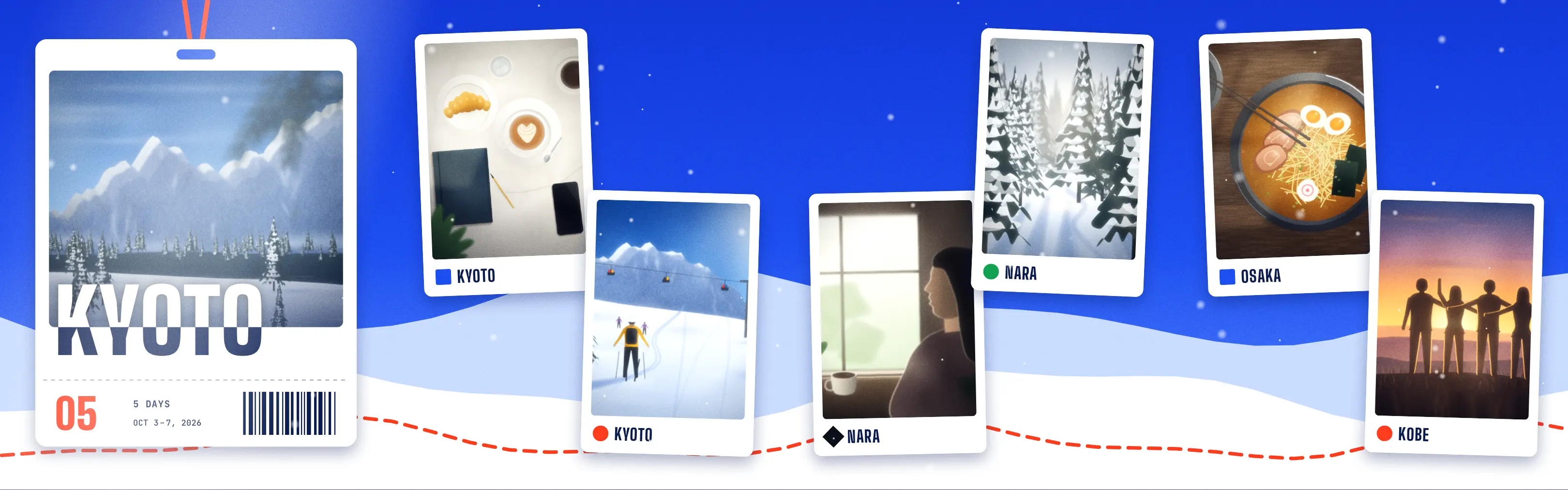
  • A trip carousel in the Gingham lookA trip carousel in the Gingham look Gingham
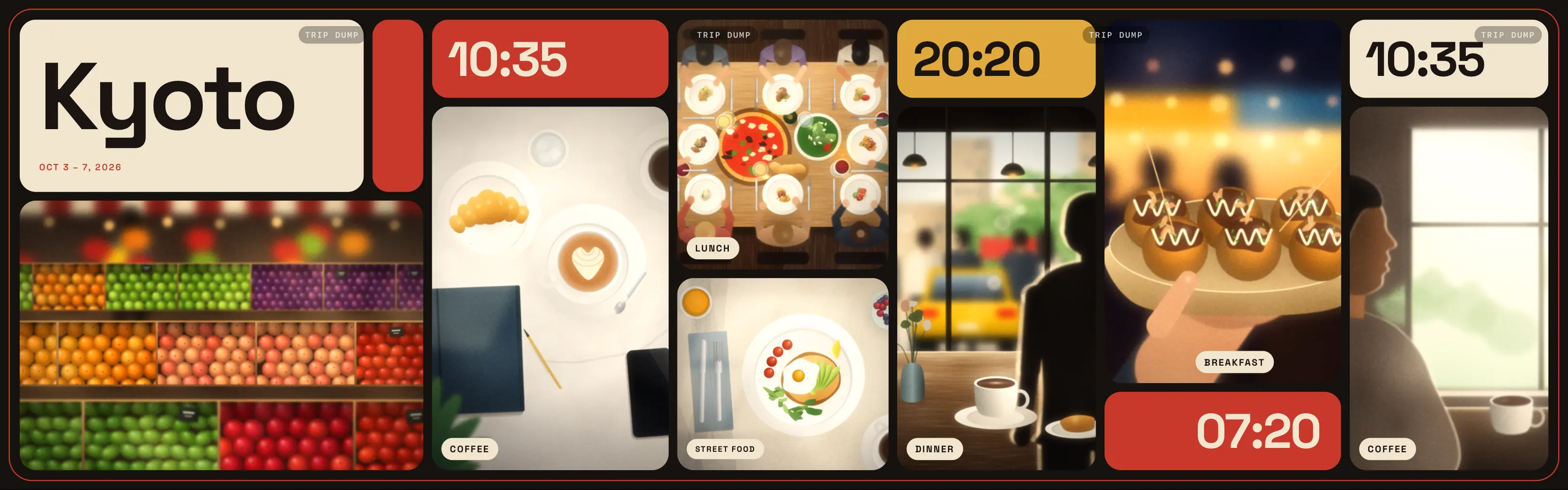
  • A trip carousel in the Bento lookA trip carousel in the Bento look Bento

City BreakPremium

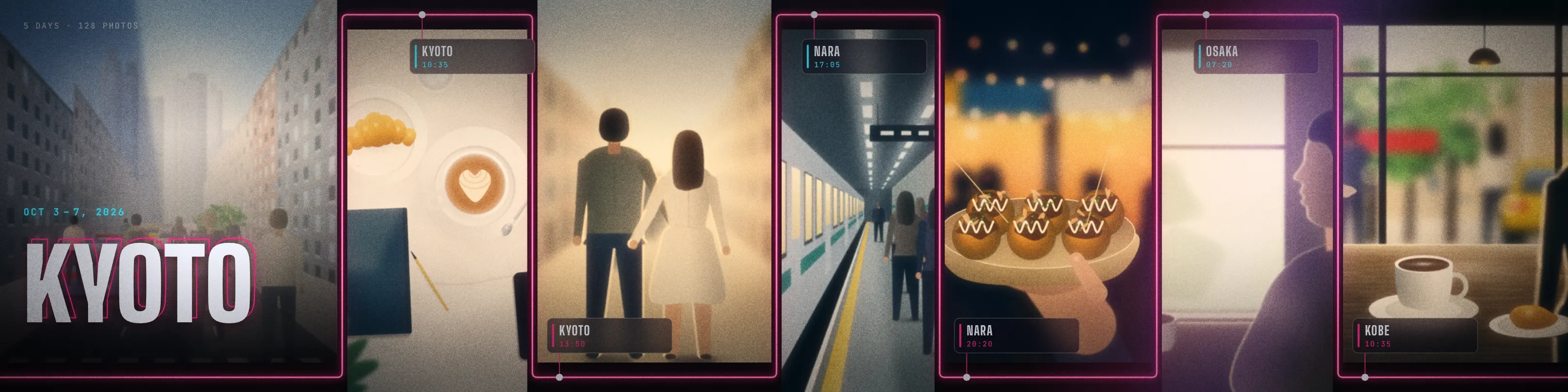
  • A trip carousel in the Night Signal lookA trip carousel in the Night Signal look Night Signal
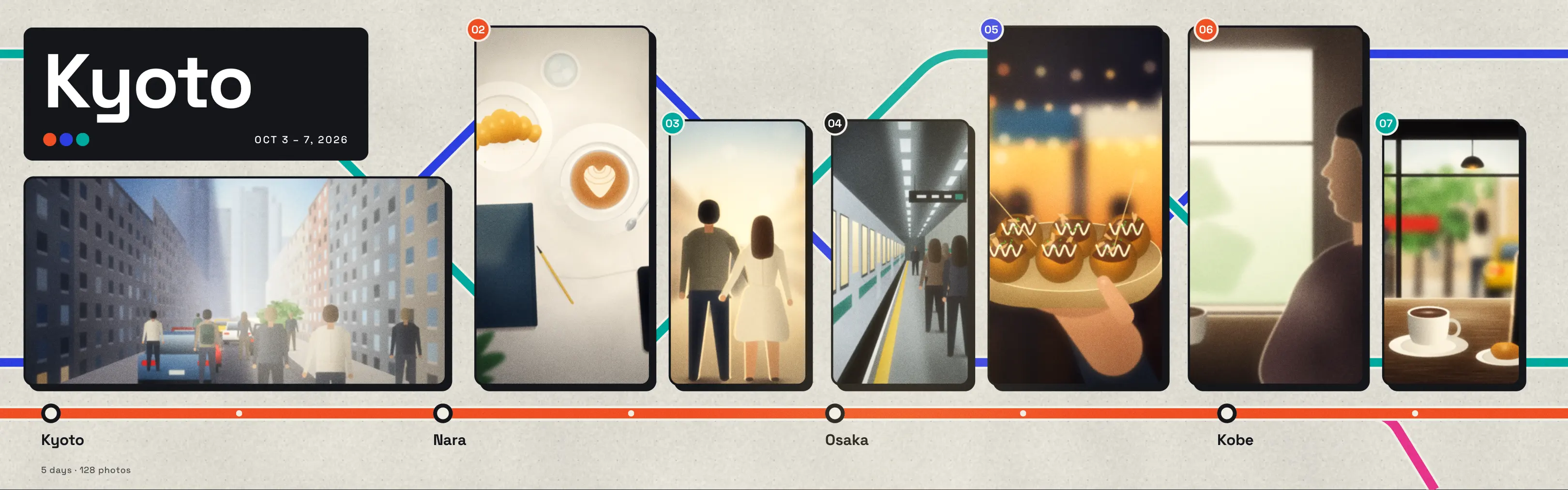
  • A trip carousel in the Metro lookA trip carousel in the Metro look Metro
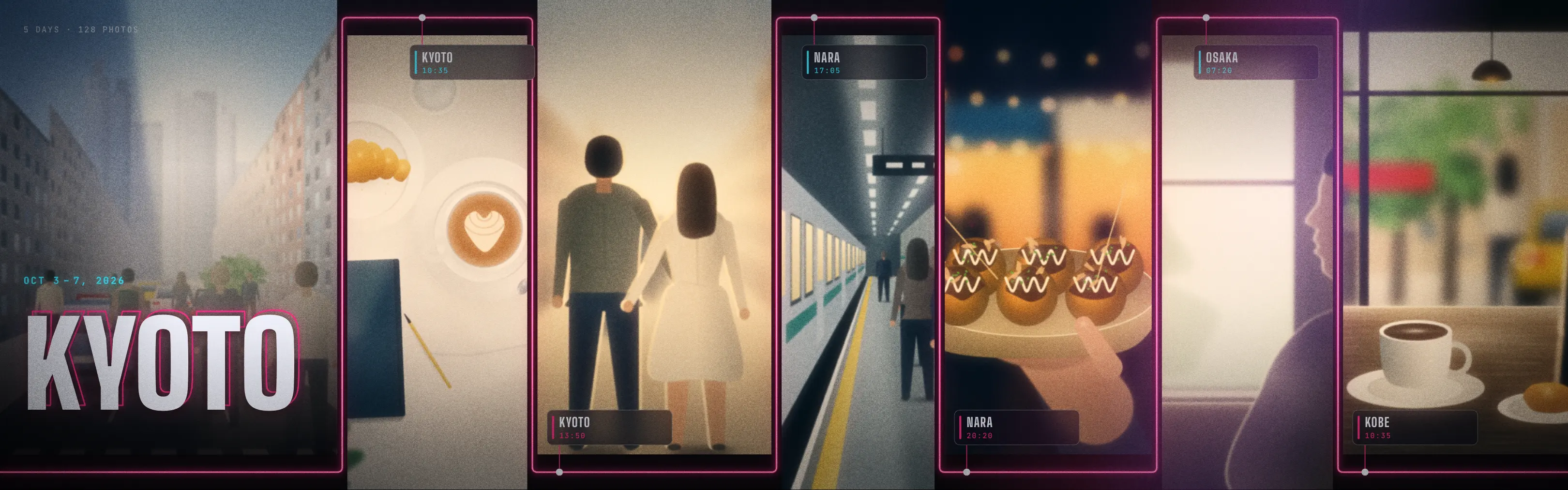
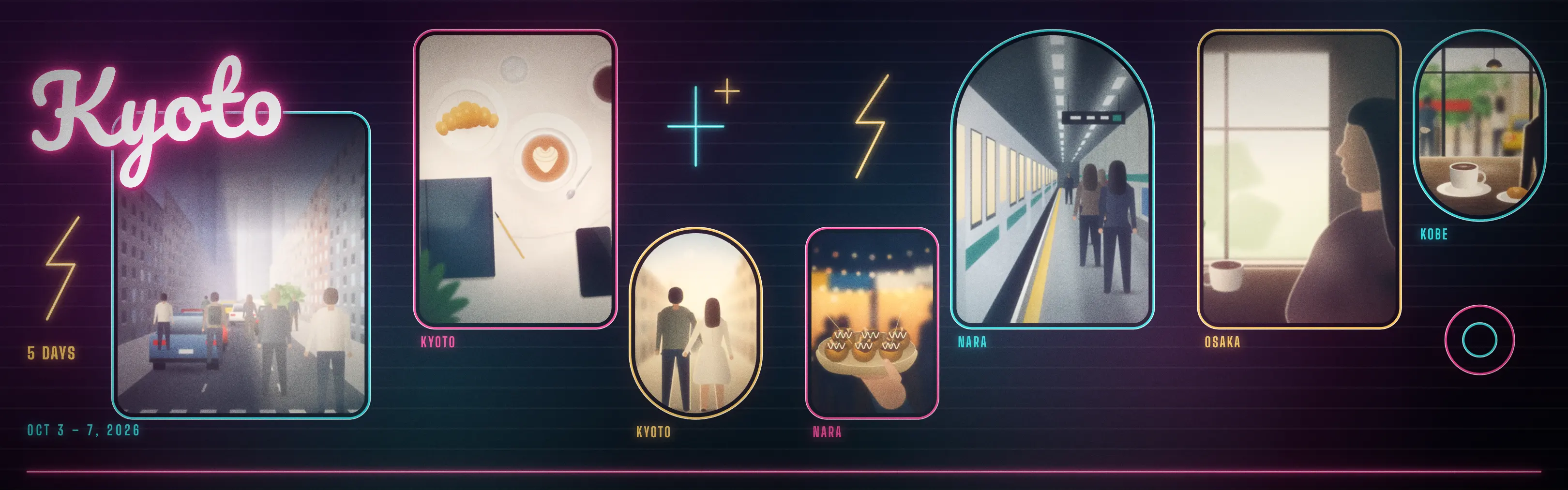
  • A trip carousel in the Neon lookA trip carousel in the Neon look Neon
  • A trip carousel in the Street Poster lookA trip carousel in the Street Poster look Street Poster
  • A trip carousel in the Skyline lookA trip carousel in the Skyline look Skyline
  • A trip carousel in the Crosswalk lookA trip carousel in the Crosswalk look Crosswalk
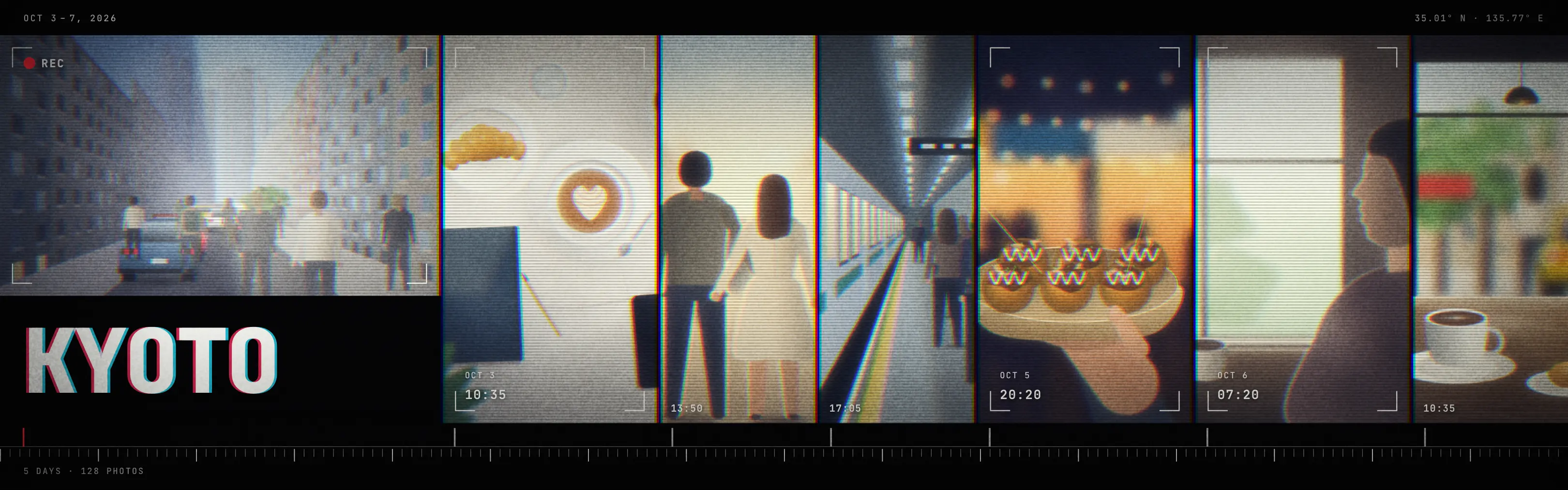
  • A trip carousel in the Timecode lookA trip carousel in the Timecode look Timecode
  • A trip carousel in the Glasshouse lookA trip carousel in the Glasshouse look Glasshouse

Sun & SeaPremium

  • A trip carousel in the Golden Hour lookA trip carousel in the Golden Hour look Golden Hour
  • A trip carousel in the Instant lookA trip carousel in the Instant look Instant
  • A trip carousel in the Pool Tiles lookA trip carousel in the Pool Tiles look Pool Tiles
  • A trip carousel in the Tide Lines lookA trip carousel in the Tide Lines look Tide Lines
  • A trip carousel in the Sunprint lookA trip carousel in the Sunprint look Sunprint
  • A trip carousel in the Riviera lookA trip carousel in the Riviera look Riviera
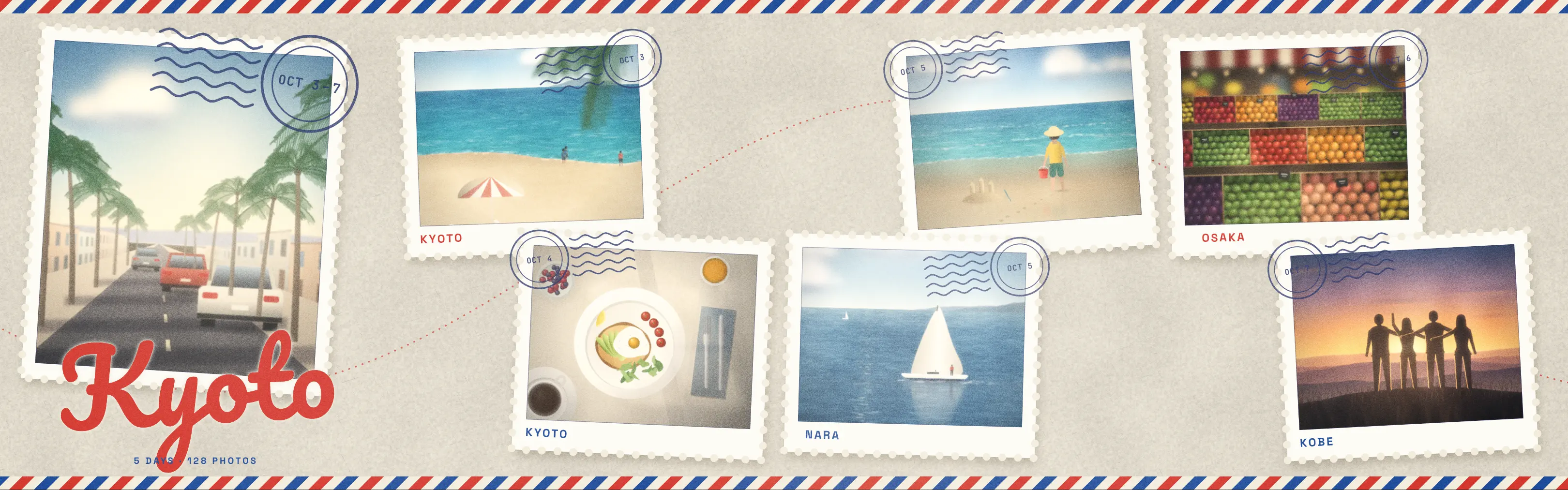
  • A trip carousel in the Par Avion lookA trip carousel in the Par Avion look Par Avion
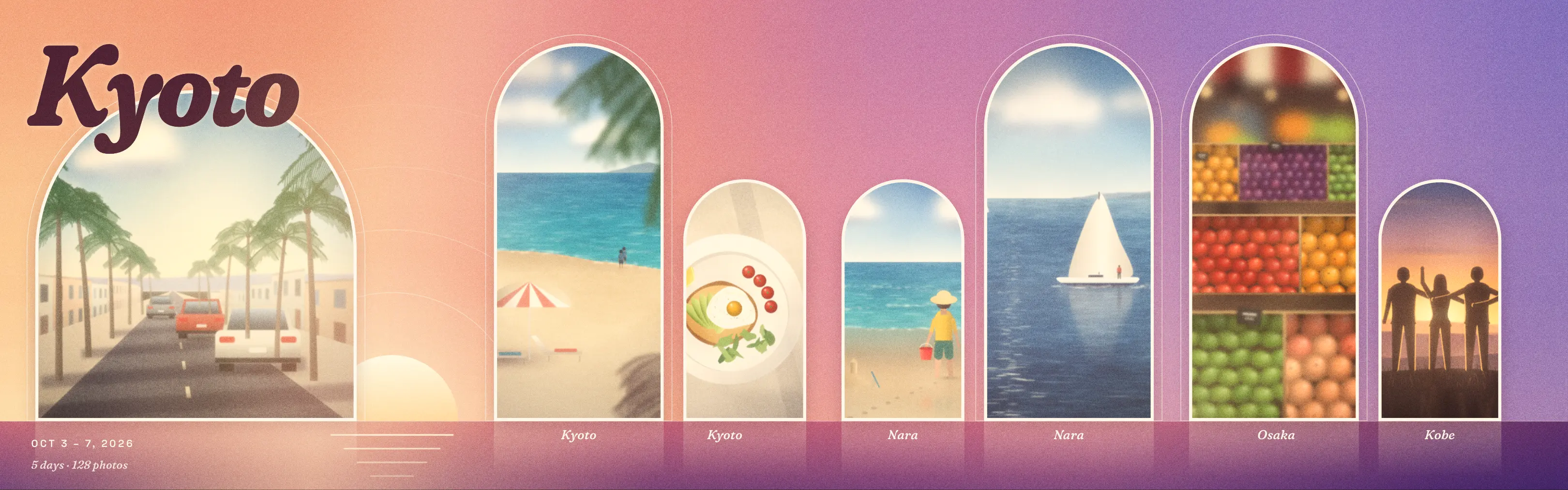
  • A trip carousel in the Daybreak to Dusk lookA trip carousel in the Daybreak to Dusk look Daybreak to Dusk

WinterPremium

  • A trip carousel in the First Snow lookA trip carousel in the First Snow look First Snow
  • A trip carousel in the Frost lookA trip carousel in the Frost look Frost
  • A trip carousel in the Knit lookA trip carousel in the Knit look Knit
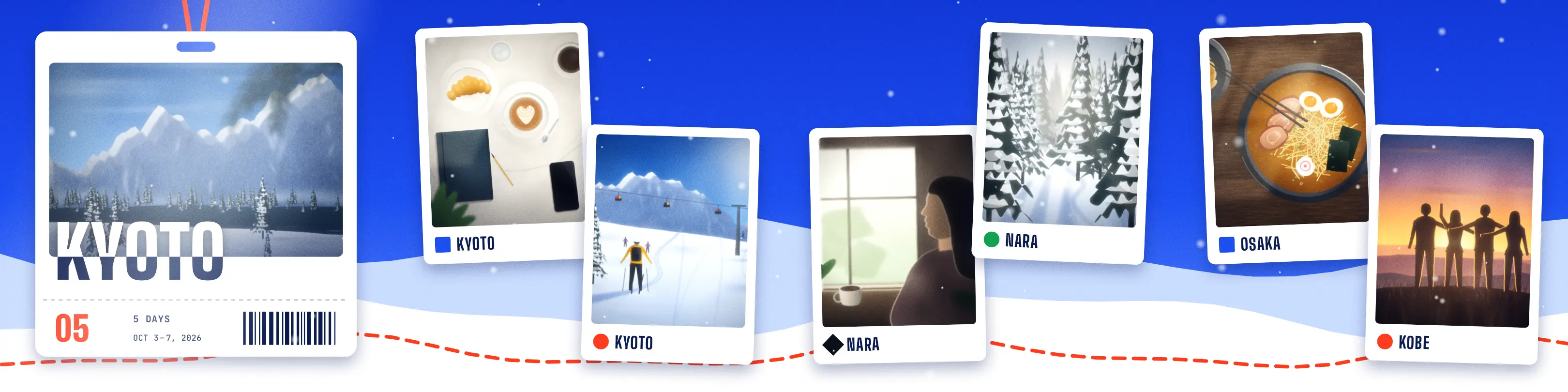
  • A trip carousel in the Lift Pass lookA trip carousel in the Lift Pass look Lift Pass
  • A trip carousel in the Fireside lookA trip carousel in the Fireside look Fireside
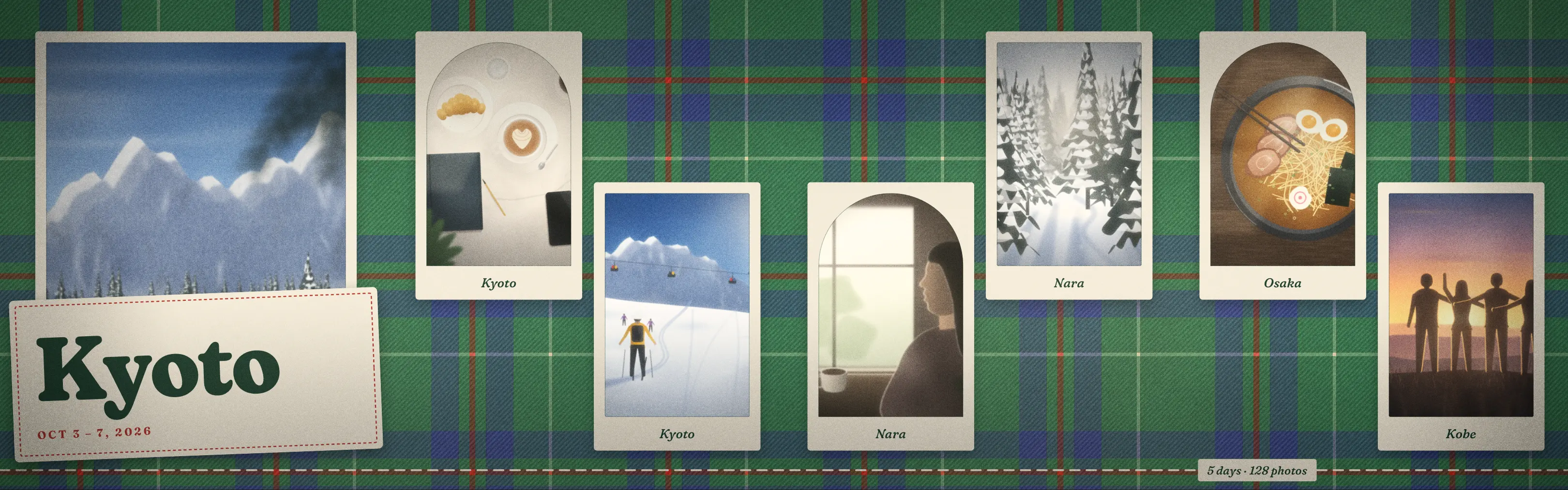
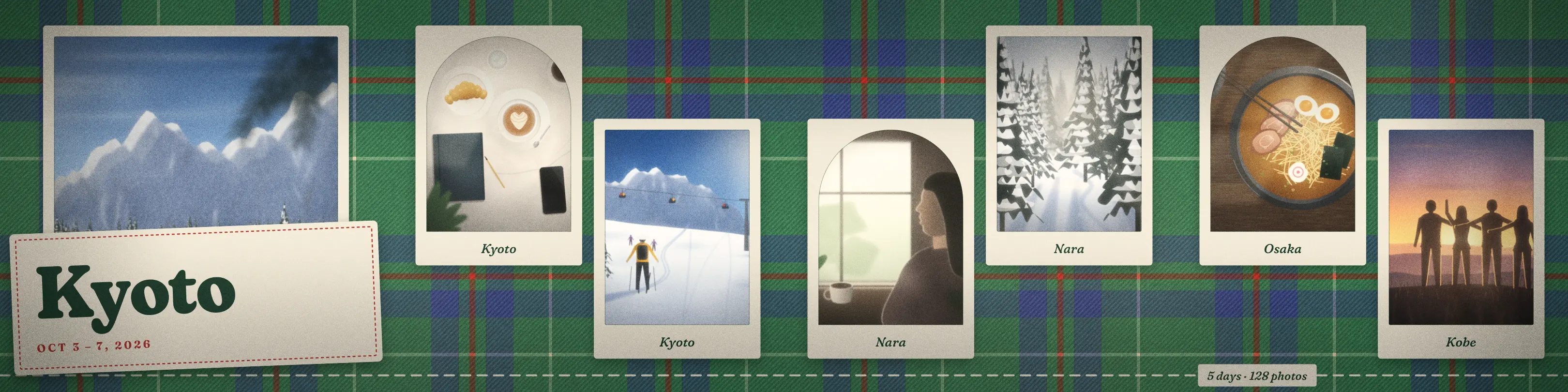
  • A trip carousel in the Tartan lookA trip carousel in the Tartan look Tartan
  • A trip carousel in the Long Nights lookA trip carousel in the Long Nights look Long Nights
  • A trip carousel in the Year in Review lookA trip carousel in the Year in Review look Year in Review

The Christmas pack

Looks for December trips and markets, part of Premium.

ChristmasPremium

  • A trip carousel in the Evergreen lookA trip carousel in the Evergreen look Evergreen
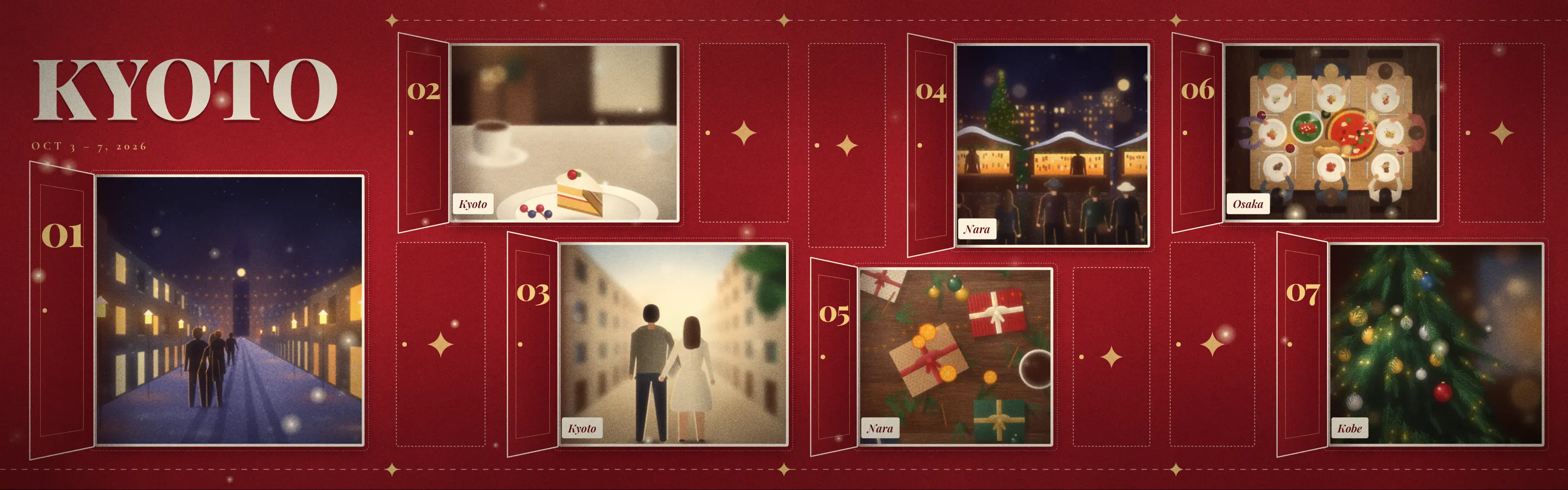
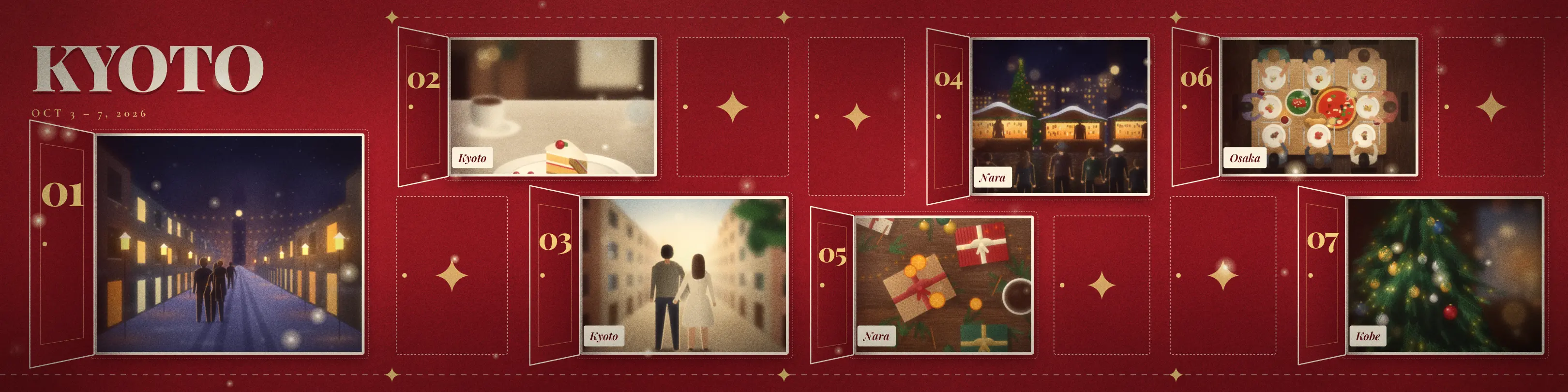
  • A trip carousel in the Advent lookA trip carousel in the Advent look Advent
  • A trip carousel in the Candy Cane lookA trip carousel in the Candy Cane look Candy Cane
  • A trip carousel in the Holiday Card lookA trip carousel in the Holiday Card look Holiday Card
  • A trip carousel in the Ornaments lookA trip carousel in the Ornaments look Ornaments
  • A trip carousel in the Wrapped lookA trip carousel in the Wrapped look Wrapped
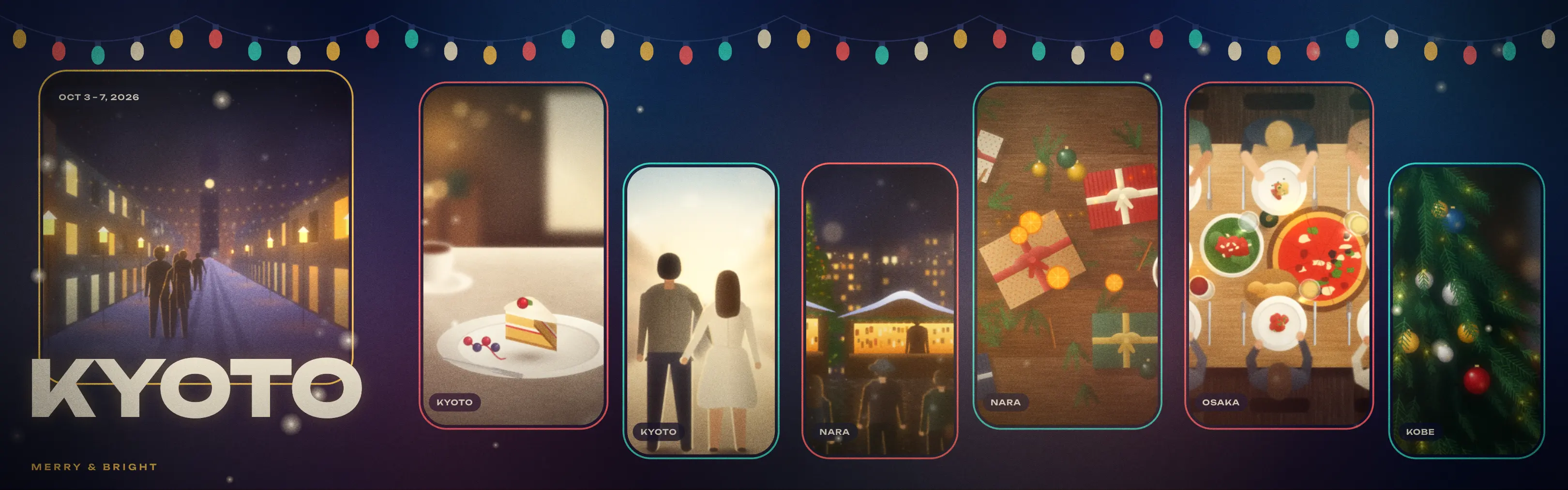
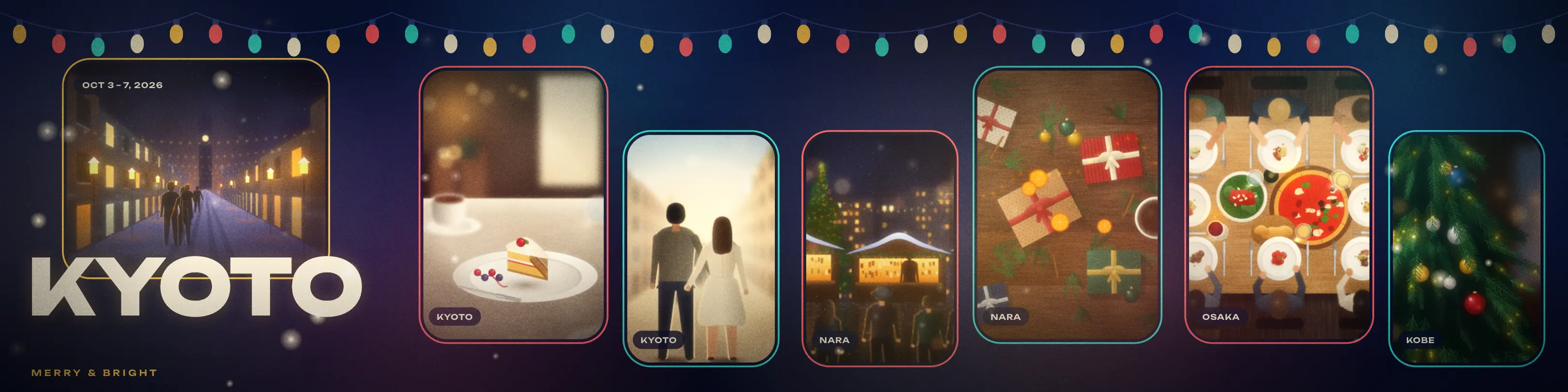
  • A trip carousel in the Merry & Bright lookA trip carousel in the Merry & Bright look Merry & Bright
  • A trip carousel in the Silent Night lookA trip carousel in the Silent Night look Silent Night

Free and Premium plans. From $1.99 a month.

Start free with the Basic and Food Diary looks. Premium opens every look, plus new looks every month, and removes the Trip Dump mark from exports.

Prices in US dollars; the App Store shows your local price. Subscriptions are charged to your Apple ID and renew automatically unless cancelled at least 24 hours before the period ends. Read the Terms of Use

Trip Dump

Receipt Nº 0001 · Premium

Free

  • Basic and Food Diary looks$0.00
  • Carousel and Reel export
  • 4:5 and 1:1 slides
  • Small Trip Dump mark on exports

Premium adds

  • Every lookincl.
  • New looks every monthincl.
  • No watermark on exportsincl.

Plans

  • MonthlyBilled every month. Cancel any time. $1.99a month
  • YearlyBilled once a year. Saves 58%. $9.99a year
  • LifetimeOne payment. Yours to keep. $19.99once

Paid through your Apple ID

Questions about Trip Dump

  1. Is Trip Dump free?

    Yes. The app is free with the looks from the Basic and Food Diary packs. Free exports carry a small Trip Dump mark. Premium opens every look, adds new looks every month and removes the mark.

  2. Do my photos leave my iPhone?

    No. Trip Dump finds trips and builds posts on your iPhone. The only thing it sends is a rough location, to Apple, to get place names such as “Kyoto”.

  3. Do I need an account?

    No. There is no sign-up or login. Premium is linked to your Apple ID through the App Store.

  4. Which apps can I post to?

    Instagram, Facebook, Threads, TikTok, X, or any app that takes photos and video. Trip Dump saves the slides or the Reel to Photos and you post from there.

  5. What does Trip Dump export?

    Carousel slides in 4:5 (1080 × 1350) or 1:1, saved as PNG, and an 18-second Reel at 9:16. The Reel has no sound, so you can add music in Instagram or TikTok.

  6. How does it find my trips?

    It groups photos taken close together in time and place, then names each trip after the place. You can also start a trip yourself with the + button.

  7. How often are new looks added?

    Every month. Premium includes every look added later, on all three plans.

  8. How do I cancel or restore Premium?

    To cancel, open Settings on your iPhone, tap your name, then Subscriptions, at least 24 hours before renewal. On a new iPhone, sign in with the same Apple ID and tap Restore Purchases in Trip Dump’s settings.

  9. Where is Trip Dump available?

    On the App Store in the US, UK, Canada, Australia, New Zealand, Japan, South Korea, Malaysia and Vietnam. The app is in English, Vietnamese, Japanese and Korean.